Client handoffs
Give a teammate the full decision trail without sharing mailbox access.
Save an entire email conversation as one PDF — every reply, in order. Perfect for keeping context when you archive or share.
Rated 4.9/5 by 10,000+ Gmail users · Chrome Web Store
Same extension in the Chrome Web Store and Microsoft Edge Add‑ons. View plans and pricing
Private by design — emails are processed locally in your browser.
Thread export is for preserving the back-and-forth: the question, each reply, and the final decision in one readable record.
Keep every reply together when a project handoff depends on the full conversation.
Capture the request, discussion, and approval in the order they happened.
Archive a complete conversation for legal, compliance, or personal backup without screenshots.
Open a conversation, export it, and keep every reply together.
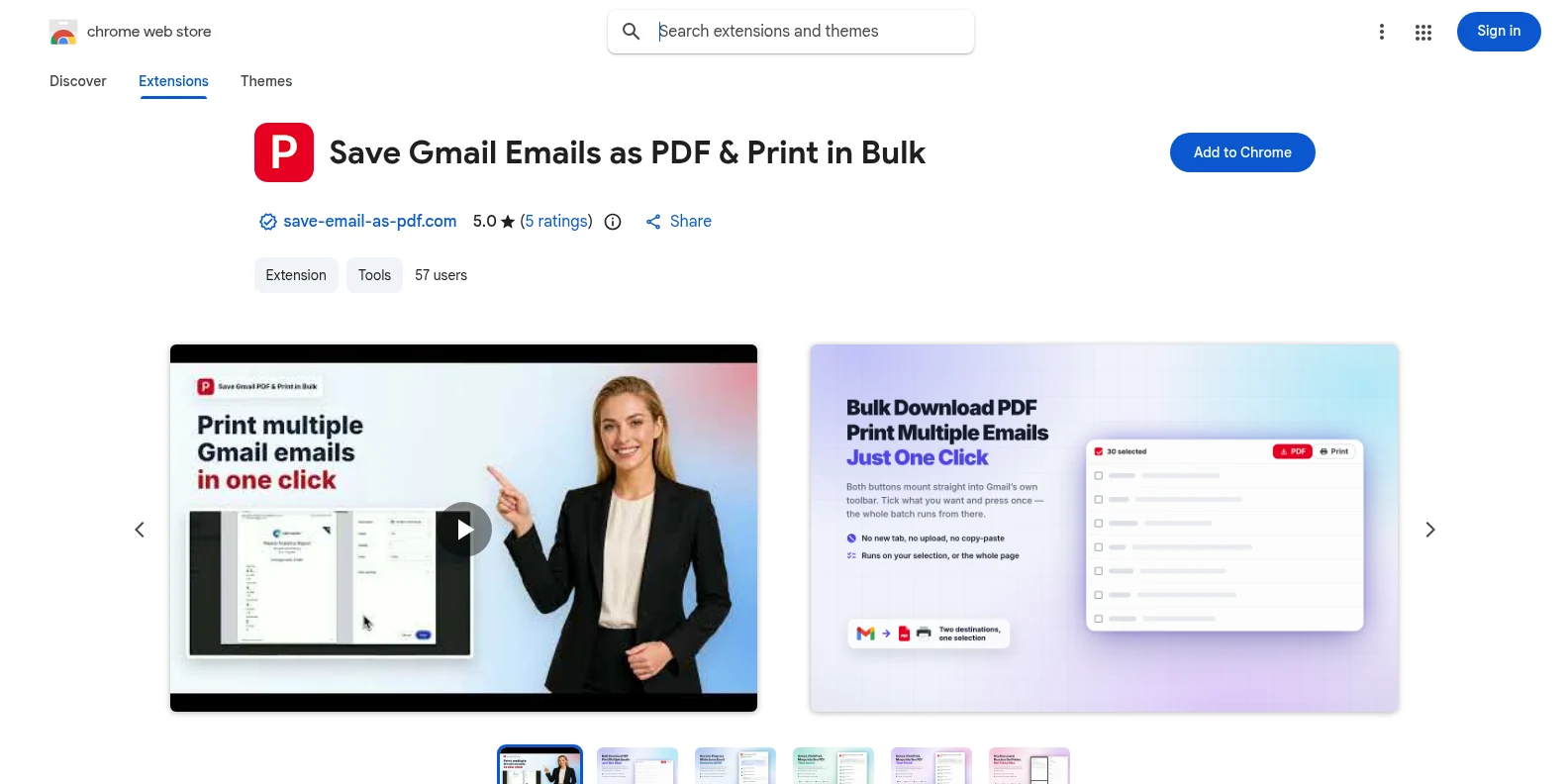
Install it free from the Chrome Web Store or Microsoft Edge Add‑ons, then open Gmail. The PDF and Print buttons appear in Gmail’s own toolbar — no separate app, no account to create first.
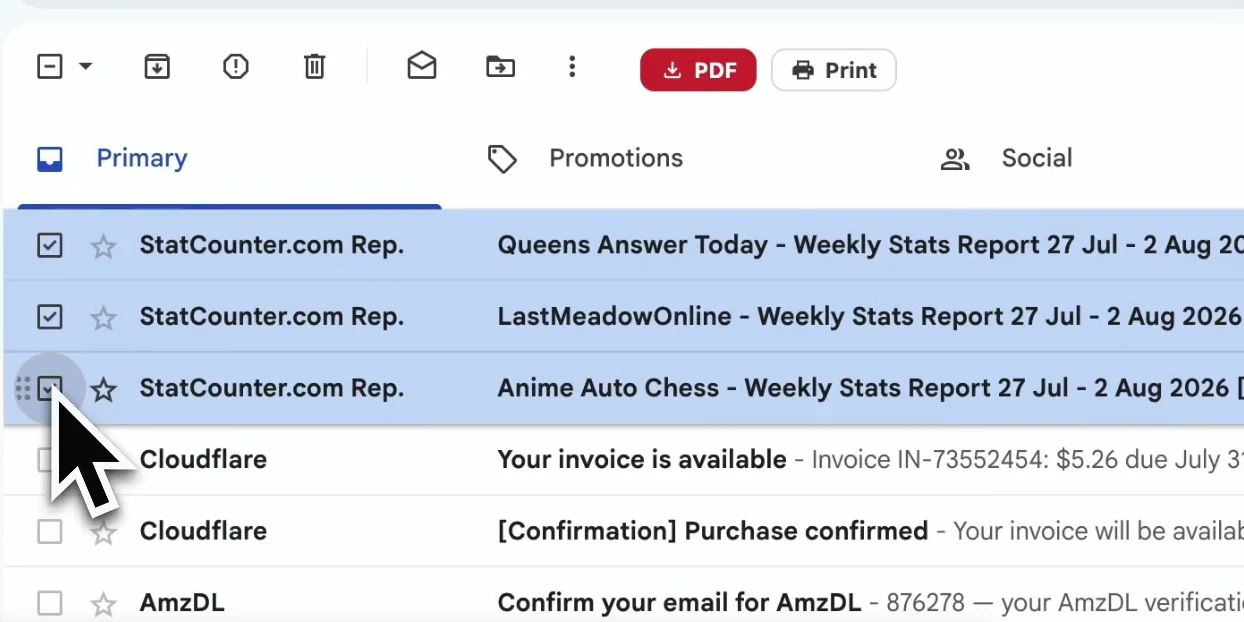
Open the thread you want to preserve. The extension captures the complete conversation, including the replies and message details that provide context.
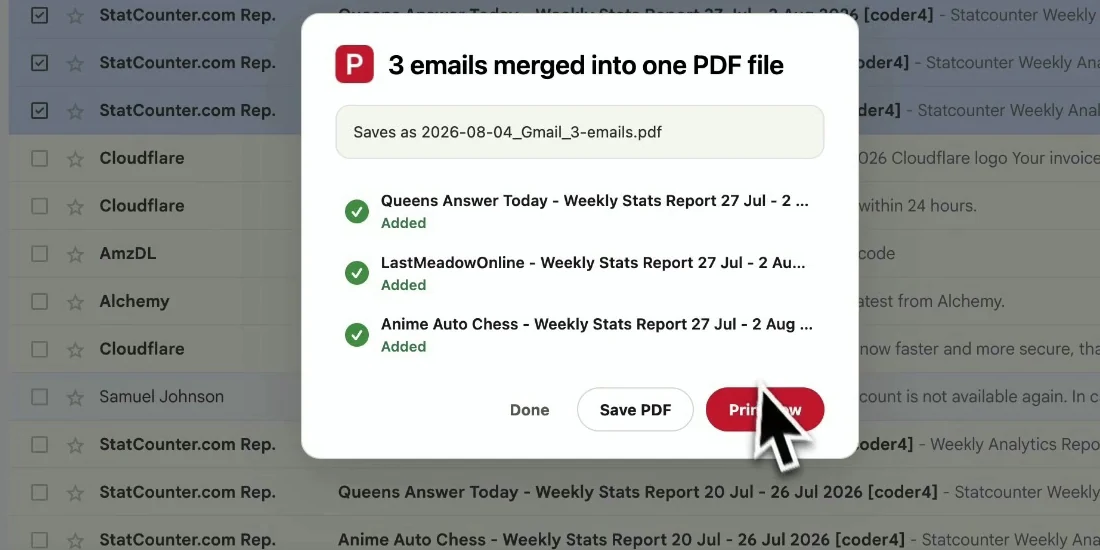
Start the export and the full conversation is assembled into one readable PDF, with replies kept in chronological order and files downloaded locally.
Your PDF keeps the thread’s context together so a reader can follow the conversation without opening Gmail.
Give a teammate the full decision trail without sharing mailbox access.
Keep the request, responses, and final approval together for future reference.
Archive correspondence with its headers and timestamps intact.
Save an important conversation before archiving or deleting it in Gmail.
Yes. The free trial includes 20 conversions and all export features. Pro unlocks unlimited conversions for $4.99/month or $49.9/year.
For a single message or a selection of separate messages, use the bulk export workflow and select only what you need: Bulk Export Gmail Emails to PDF.
Yes. Replies are assembled in the order they occurred so the PDF reads like the original conversation.
Attachments are downloaded alongside the PDF in a ZIP file, while inline images remain visible in the message content.
No. The PDF is generated locally in your browser. Your Gmail content never leaves your device for this export.
No. It is built for Gmail and Google Workspace accounts, and it works in both Chrome and Edge.
Save Gmail Thread as PDF
Free to start. Installs in seconds, works the next time you open Gmail.