Leaving an account
Download what you are entitled to keep before a work or school account is closed.
Downloading your Gmail should leave you with files you can actually open. This saves the emails you pick as PDFs — readable on any device, no mail program needed — with their attachments beside them.
Rated 4.9/5 by 10,000+ Gmail users · Chrome Web Store
Same extension in the Chrome Web Store and Microsoft Edge Add‑ons. View plans and pricing
Private by design — emails are processed locally in your browser.
Gmail gives you two ways out: forward one message at a time, or export the entire mailbox with Takeout. Most of the time you need something in between.
Download one project, one client or one year — not fifteen years of newsletters you will never open.
The files go to someone who will double-click them. PDFs open on any phone or laptop; an MBOX file does not.
Keep local copies on a drive or USB stick that do not depend on your Google account staying open.
From label to local folder in three steps.
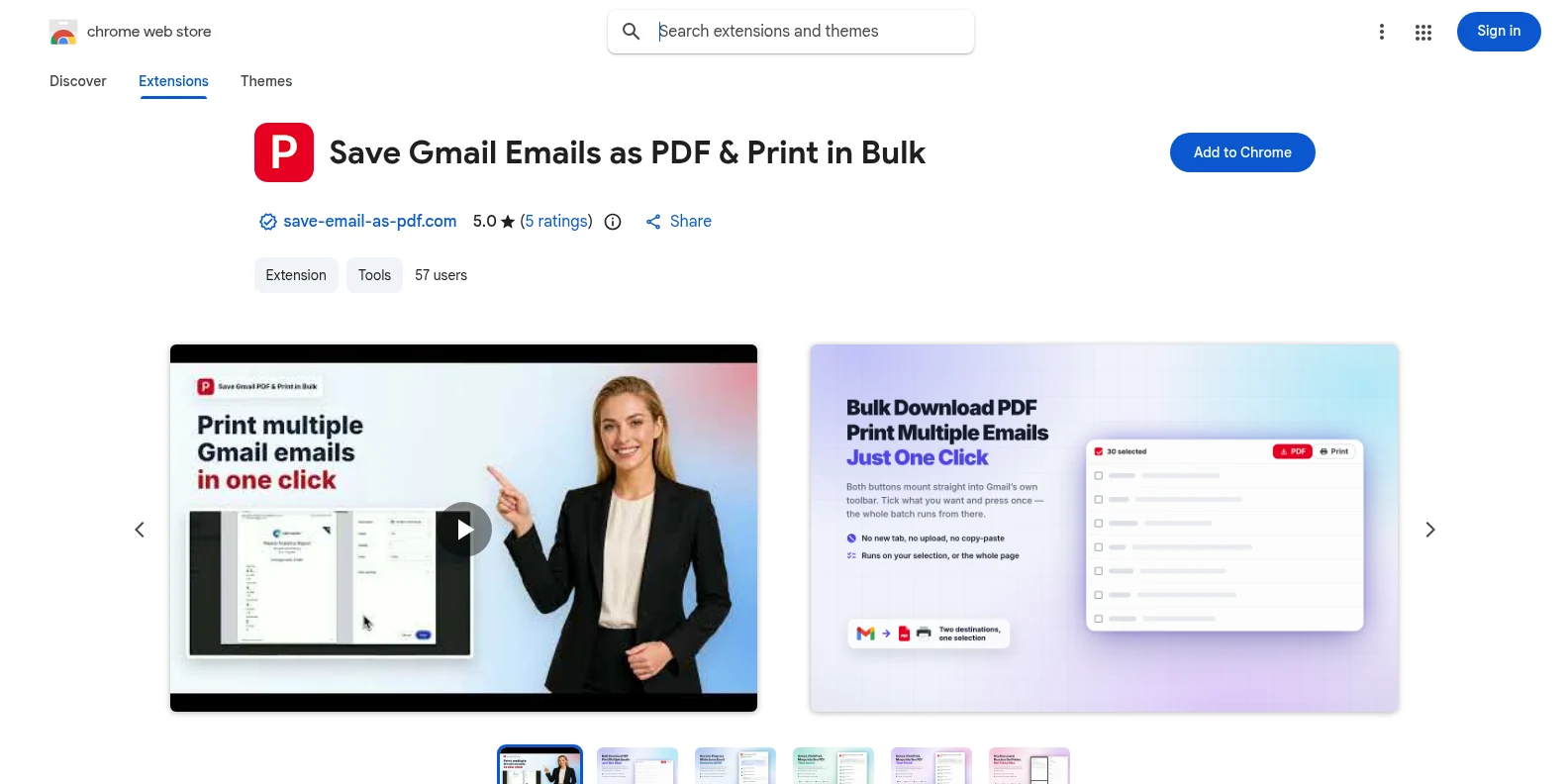
Install it free from the Chrome Web Store or Microsoft Edge Add‑ons, then open Gmail. The PDF and Print buttons appear in Gmail’s own toolbar — no separate app, no account to create first.
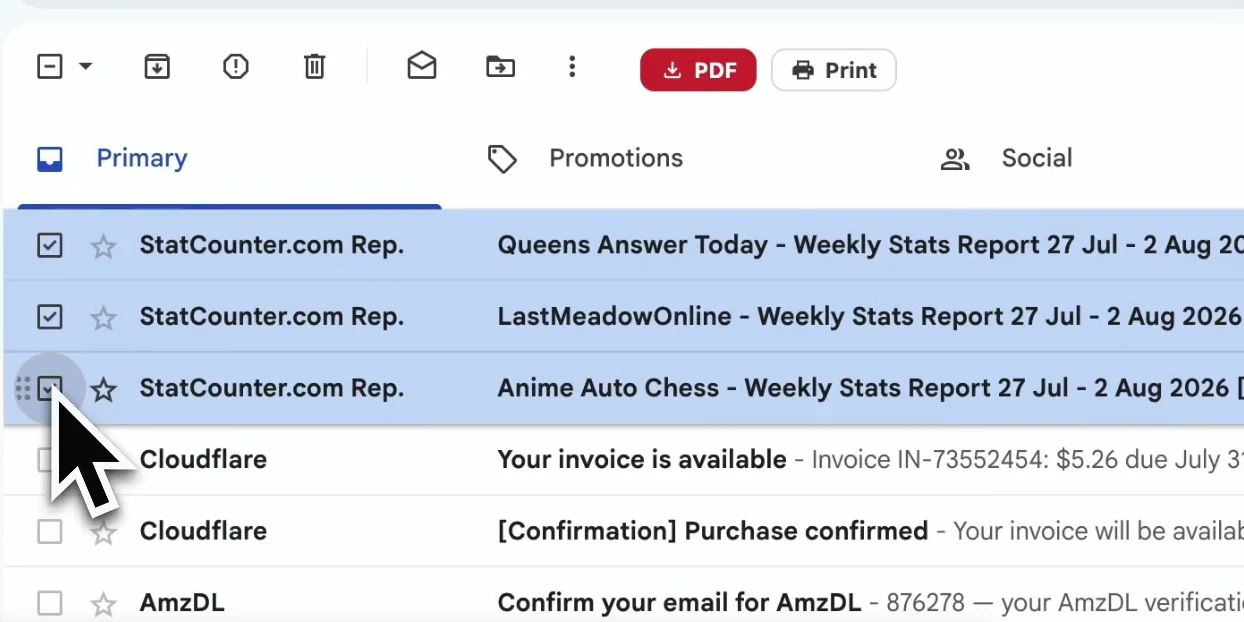
Go to the label you want to download, or search for the emails. Select the conversations on the page — or tick the checkbox to select them all.
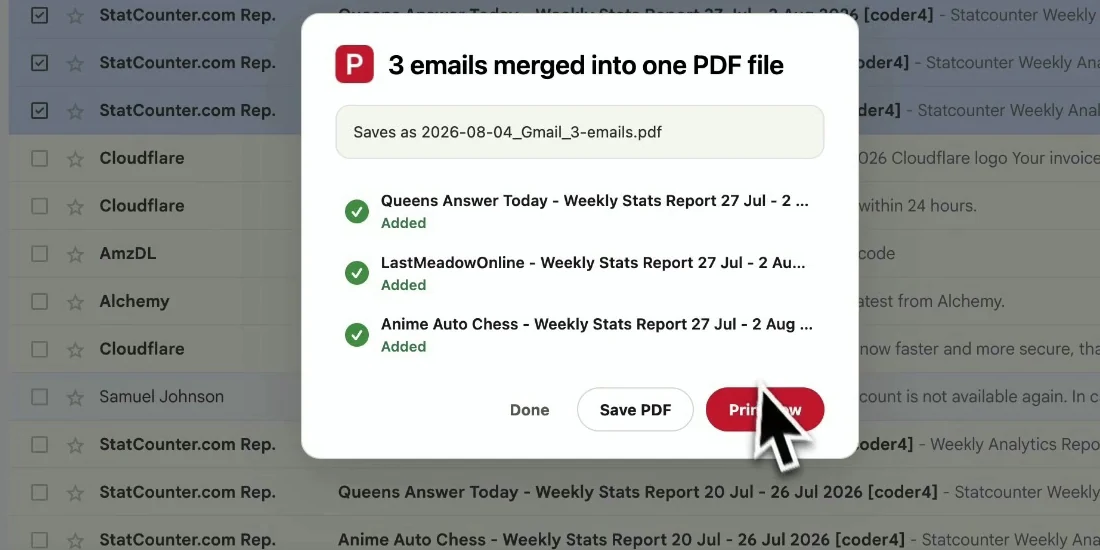
Click PDF. Each conversation downloads as a PDF to your Downloads folder, with its attachments in the same ZIP.
Ordinary files, sorted by name, that open with a double-click.
Takeout is the right tool for backing up everything. It is the wrong tool for getting a few hundred emails you can read.
| Google Takeout | Download as PDF | |
|---|---|---|
| What you choose | The whole mailbox or whole labels | Any selection, label or search result |
| File format | One MBOX archive | One readable PDF per conversation |
| Opens with | An email program (e.g. Thunderbird) | Any PDF reader, on any device |
| Waiting time | Hours to days for large mailboxes | Starts immediately, in your browser |
| Attachments | Inside the archive | Next to each PDF, in its original format |
Download what you are entitled to keep before a work or school account is closed.
Download heavy, old labels, then delete them from Gmail to get under Google’s storage limit.
Give a lawyer, accountant or new colleague a folder they can open without any setup.
Local copies stay readable with no internet connection and no Google sign-in.
Open the label, use the select-all checkbox to tick every conversation on the page, and click PDF. Set Gmail’s page size to 100 in Settings to take more per pass.
Yes. With attachments turned on, each email downloads as a PDF plus its attachments, together in one ZIP.
For readable copies of selected emails, yes. For a complete, re-importable backup of a whole mailbox, use Takeout — and use this for the emails you will actually need to open.
To your browser’s download folder, like any other download. Nothing is stored online.
Yes. Install it from the Chrome Web Store for Chrome or from Microsoft Edge Add‑ons for Edge. The features are identical in both; if you use both browsers, install it once in each.
You start with 20 free conversions and every feature unlocked. Pro removes the limit for $4.99/month or $49.9/year.
Download Gmail Emails in Bulk — Save Them as PDF
Free to start. Installs in seconds, works the next time you open Gmail.