Proof that holds up
A dated, headed PDF is the format disputes, claims and audits expect to see.
Keep the emails that matter as PDF files you own: contracts, receipts, approvals, records. Select them in Gmail, click once, and every message lands on your drive with its dates and headers intact.
Made for Gmail: personal Gmail and Google Workspace accounts, in Chrome or Edge. It does not work with Outlook, Yahoo Mail or other email services.
Rated 4.9/5 by 10,000+ Gmail users · Chrome Web Store
Same extension in the Chrome Web Store and Microsoft Edge Add‑ons. View plans and pricing
Private by design — emails are processed locally in your browser.
An email in an inbox can be archived, deleted, or lost with an account. A PDF on your drive is a record. These are the moments people turn one into the other.
Save the label you are about to clear out, so the inbox gets lighter without losing anything you might need to prove later.
Lawyers, accountants and auditors ask for documents, not mailbox access. A PDF answers the request without forwarding fifty emails.
A work or school account will be switched off. Save the correspondence you are entitled to keep while you still can.
Install once, then every save is two clicks inside Gmail.
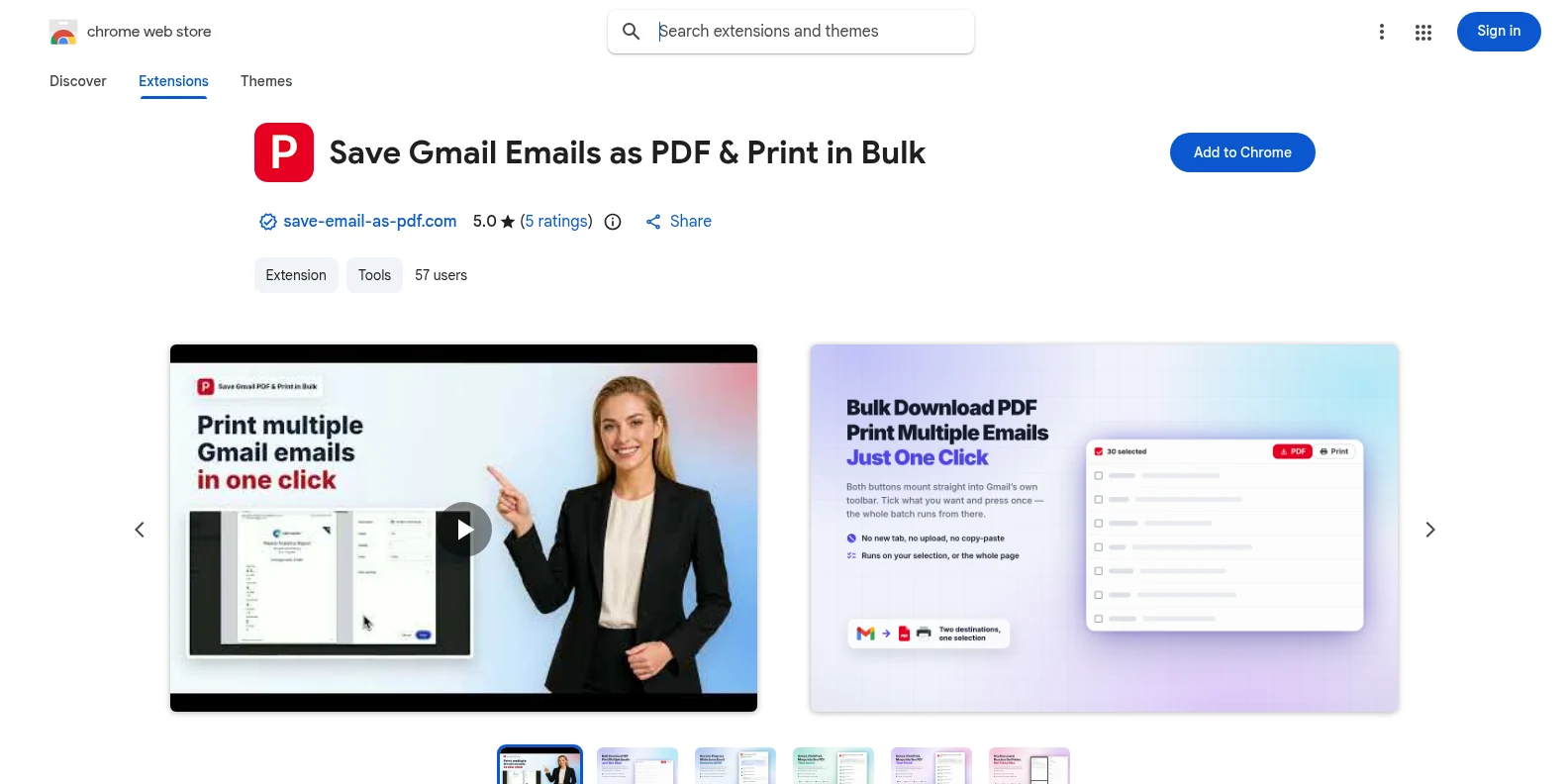
Install it free from the Chrome Web Store or Microsoft Edge Add‑ons, then open Gmail. The PDF and Print buttons appear in Gmail’s own toolbar — no separate app, no account to create first.
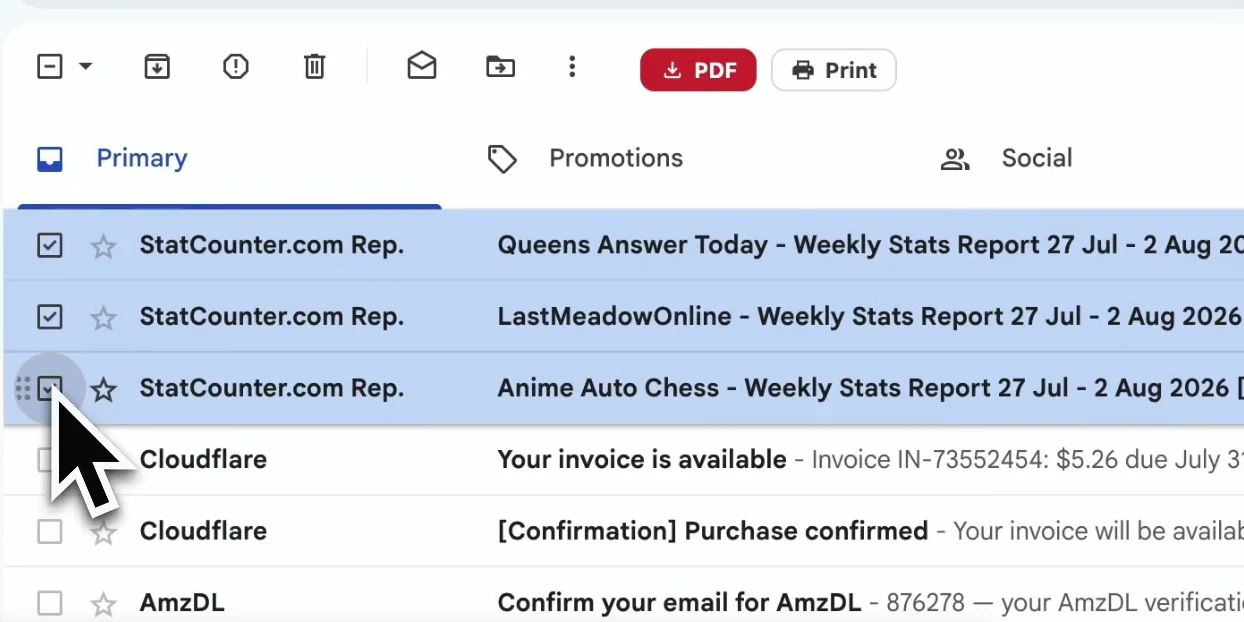
Open a label, a sender, or a search such as “has:attachment invoice”, then tick the messages — or the whole page — you want to save.
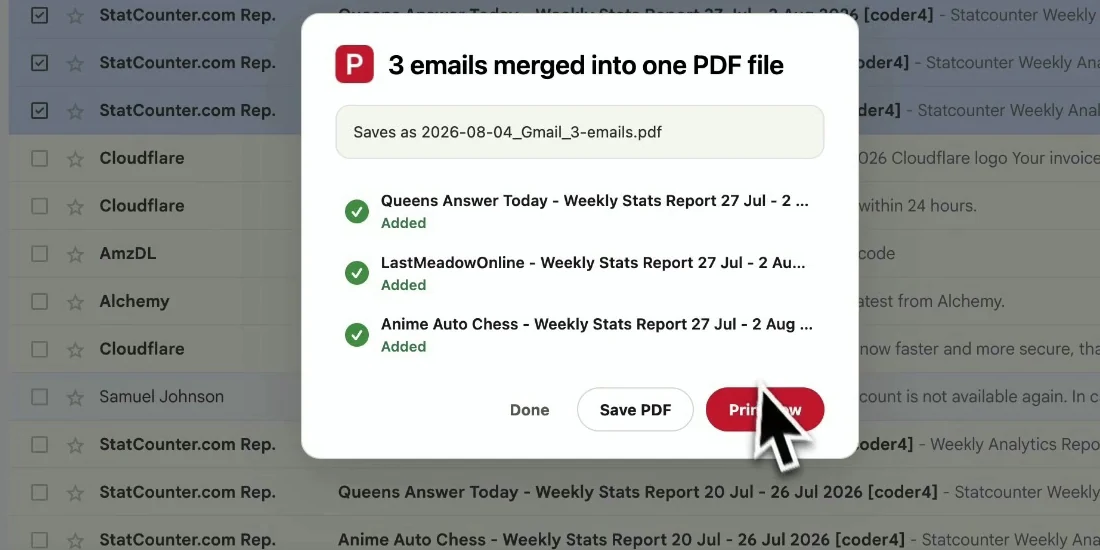
Click PDF for one file per conversation, or Print to merge the selection into a single document. Attachments can come along in the same download.
The PDF reads exactly like the email did in Gmail — with the details that make it count as a record.
A dated, headed PDF is the format disputes, claims and audits expect to see.
Your records no longer depend on one account, one password, or one provider’s storage limit.
Name-sorted PDFs file straight into Drive, Dropbox or a client folder — and stay findable by name.
Saving happens in your browser. No copy of your mail is made on anyone else’s server.
Gmail only — personal Gmail accounts and Google Workspace accounts, used in Chrome or Edge. It does not support Outlook, Yahoo Mail, Apple Mail or other providers.
Yes. Select them and click Print: up to 50 conversations are merged into one PDF, one email per page, and Save PDF downloads it. Click PDF instead to get one file per conversation.
Yes. With attachments turned on, each PDF downloads together with its attachments in one ZIP file.
Yes. Set a filename template once — by default {Date}_{From}_{Subject} — and every saved email follows it.
No. The PDF is generated inside your browser from the Gmail page you already have open. Message content and attachments are not sent to our servers.
You start with 20 free conversions and every feature unlocked. Pro removes the limit for $4.99/month or $49.9/year.
Save Emails as PDF in Bulk — from Gmail, in Chrome or Edge
Free to start. Installs in seconds, works the next time you open Gmail.