存档
清理收件箱之前,先为整个标签留一份完整、可搜索的记录。
一键把几十封 Gmail 邮件变成一个 PDF。不用逐封打印,不用复制粘贴,也不用再折腾二十分钟。
10,000+ 位 Gmail 用户评分 4.9/5 · Chrome 网上应用店
同一个扩展,分别上架 Chrome 应用商店和 Microsoft Edge 加载项商店。 查看方案与价格
隐私优先:邮件仅在浏览器本地处理。
批量导出适合把许多封独立的 Gmail 邮件汇总成一份交付文件。如果你已经清楚需要哪些邮件,这是最快的做法。
收据、发票、客服工单、项目邮件——已经归到同一个标签下的,直接整体导出。
按发件人、日期、主题或 Gmail 搜索运算符搜索,再把匹配的邮件合成一个 PDF,用于审计或工作交接。
需要的是一批邮件的记录、而不是某一个会话时,直接在列表里逐封勾选。
清晰三步,无需复制粘贴,也无需手动打印。
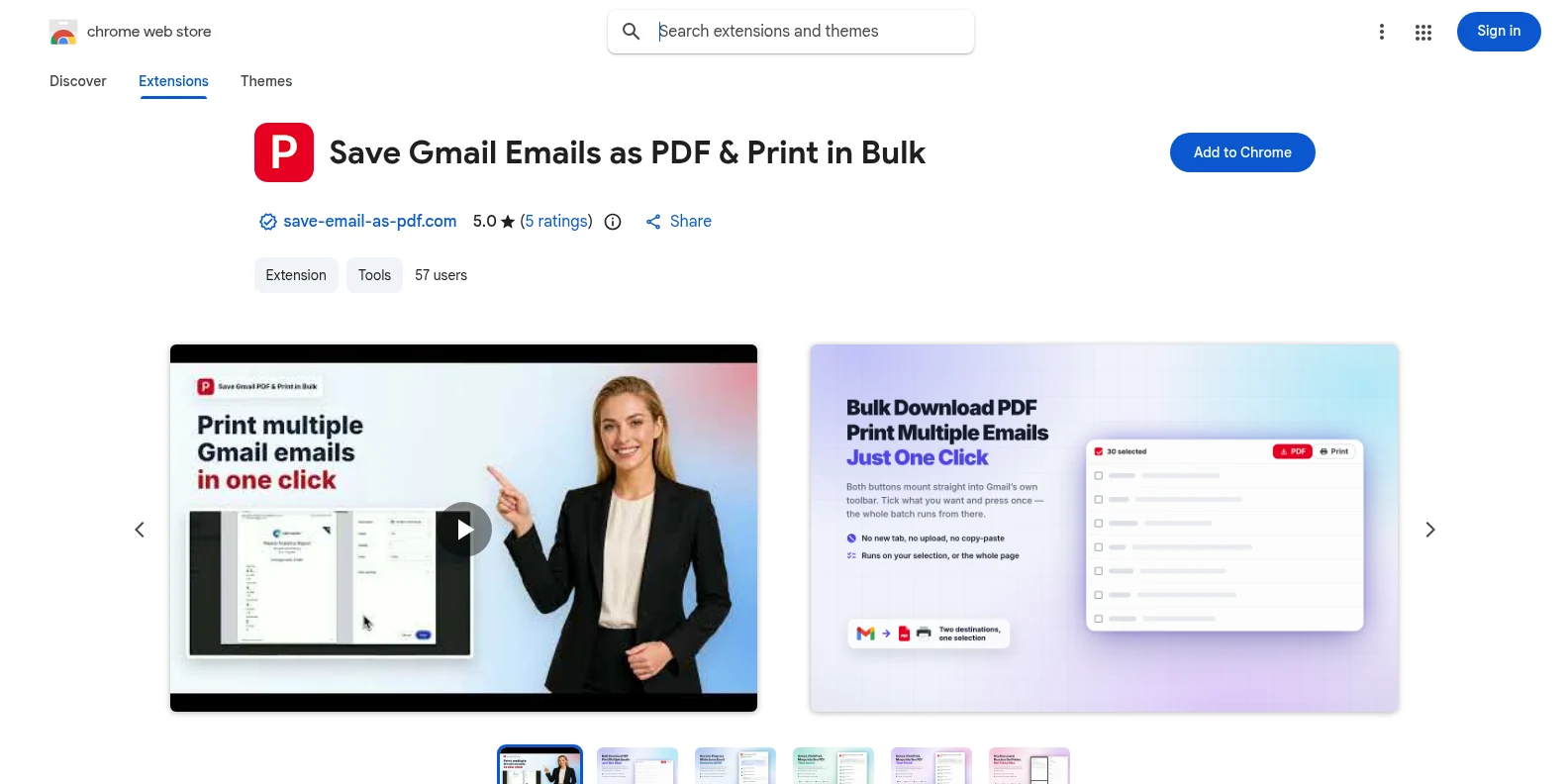
从 Chrome 应用商店或 Microsoft Edge 加载项免费安装,然后打开 Gmail。PDF 和打印按钮会直接出现在 Gmail 自带的工具栏里——无需另装应用,也不用先注册账号。
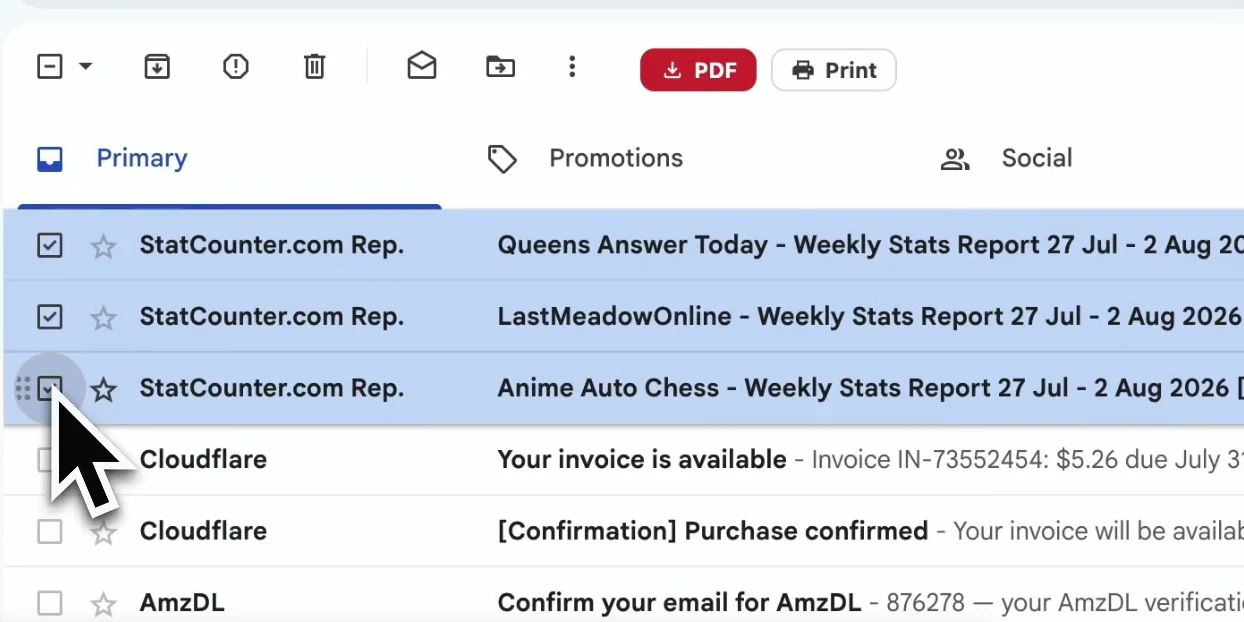
逐封勾选,或按 Gmail 标签、发件人、搜索结果筛选,再选中你需要的那一批。
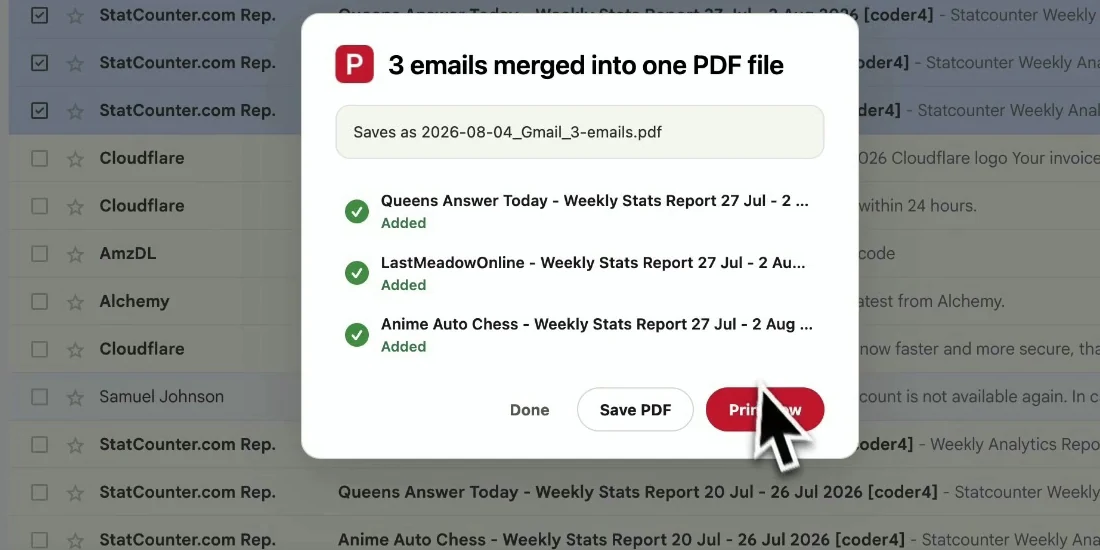
设置文件名和页面选项,然后导出所选邮件。邮件保持原有顺序,直接下载到你的设备。
成品文件可以直接存档、分享或打印——让邮件有用的那些上下文一点不丢。
清理收件箱之前,先为整个标签留一份完整、可搜索的记录。
把一份易读的 PDF 发给客户、同事或审计人员,对方无需访问 Gmail。
订单、合同、审批和收据,连同时间戳和邮件头一并保存。
给收件箱减负之前,先把重要的往来邮件一次性备份。
免费。你可以先用 20 次免费转换,试遍所有导出功能。Pro 为 $4.99/月或 $49.9/年,转换不限次数。
可以。打开某个 Gmail 标签、某位发件人的邮件列表或搜索结果,选中显示出来的邮件,即可把这批邮件导出为一个 PDF。
分别导出为单独的 PDF 时没有固定上限,只要能在一个 Gmail 页面上选中即可。合并成一个文档时,每次最多 50 个会话。PDF 是在你的浏览器中生成的,所以选中的邮件特别多时会耗时更长。
PDF 会保留 Gmail 中看到的版式、邮件头、时间戳和内嵌图片。附件会与 PDF 一起打包成 ZIP 文件下载。
不会。扩展在你的浏览器本地生成 PDF,邮件内容和附件不会上传到我们的服务器。
不能。它专为 Gmail 打造,个人 Gmail 和 Google Workspace 账号都能用。Chrome 和 Edge 中均可使用。
批量导出 Gmail 邮件为 PDF
免费开始。几秒钟装好,下次打开 Gmail 就能用。