Passations client
Transmettez à un collègue tout l'historique des décisions sans lui ouvrir l'accès à votre messagerie.
Enregistrez toute une conversation e-mail dans un seul PDF — chaque réponse, dans l'ordre. Idéal pour garder le contexte quand vous archivez ou partagez.
Noté 4.9/5 par plus de 10 000 utilisateurs de Gmail · Chrome Web Store
La même extension sur le Chrome Web Store et dans les Modules complémentaires de Microsoft Edge. Voir les offres et tarifs
Confidentialité intégrée : les mails sont traités localement dans votre navigateur.
L'export de conversation préserve les allers-retours : la question, chaque réponse et la décision finale, réunies dans un document lisible.
Gardez toutes les réponses ensemble quand la passation d'un projet dépend de l'échange complet.
Conservez la demande, la discussion et la validation dans l'ordre où elles ont eu lieu.
Archivez une conversation complète à des fins juridiques, de conformité ou de sauvegarde personnelle, sans captures d'écran.
Ouvrez une conversation, exportez-la, et gardez toutes les réponses ensemble.
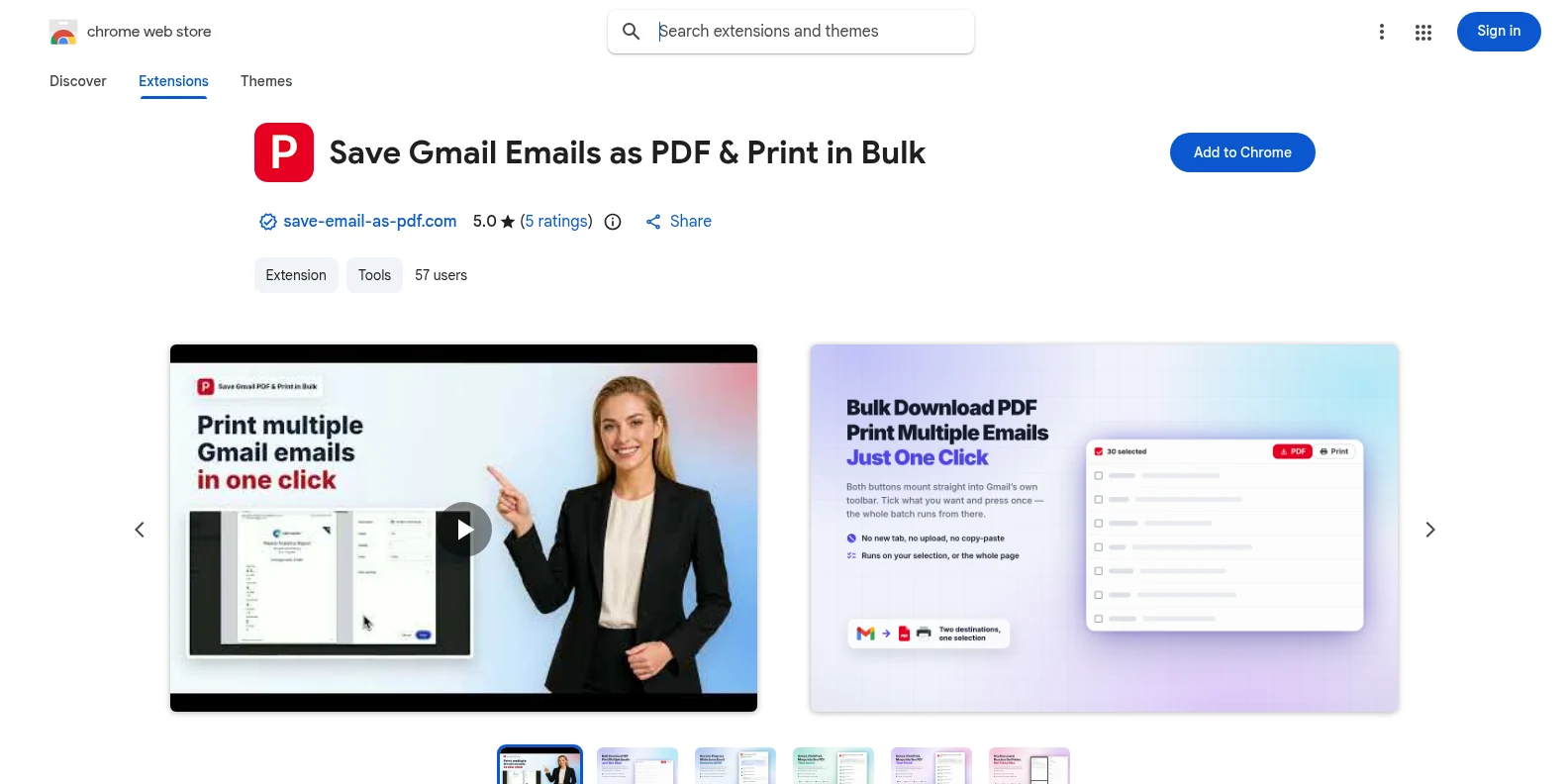
Installez-la gratuitement depuis le Chrome Web Store ou les Modules complémentaires de Microsoft Edge, puis ouvrez Gmail. Les boutons PDF et Imprimer apparaissent dans la barre d'outils de Gmail — pas d'application à part, pas de compte à créer au préalable.
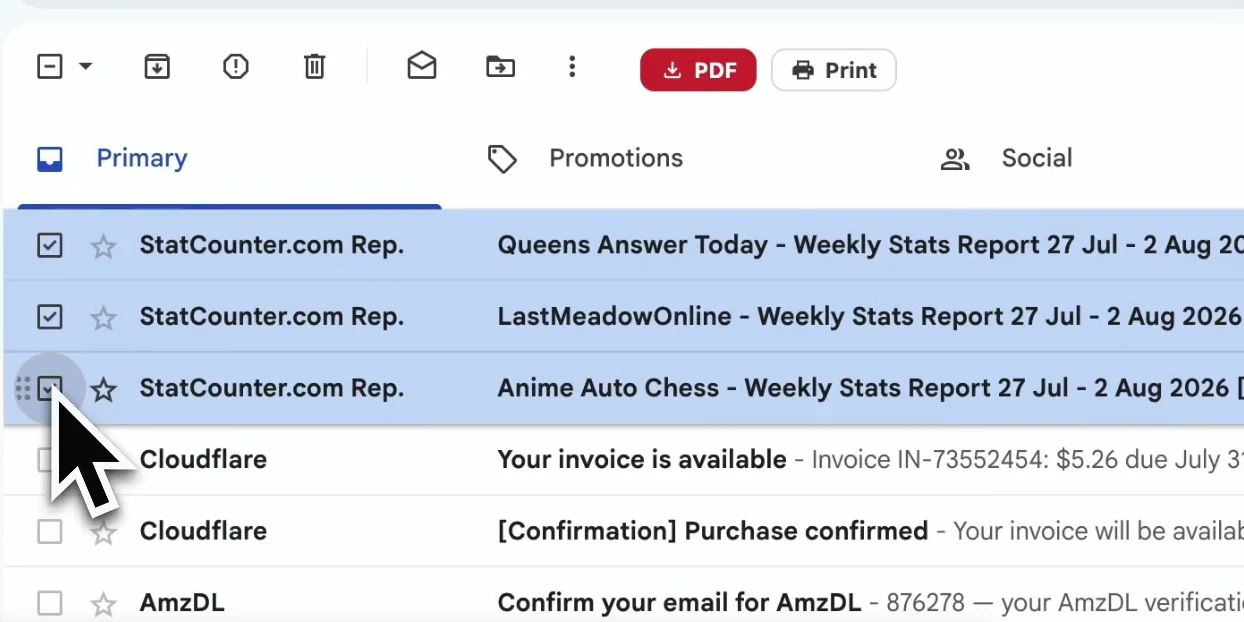
Ouvrez la conversation à conserver. L'extension capture l'échange complet, y compris les réponses et les détails des messages qui donnent le contexte.
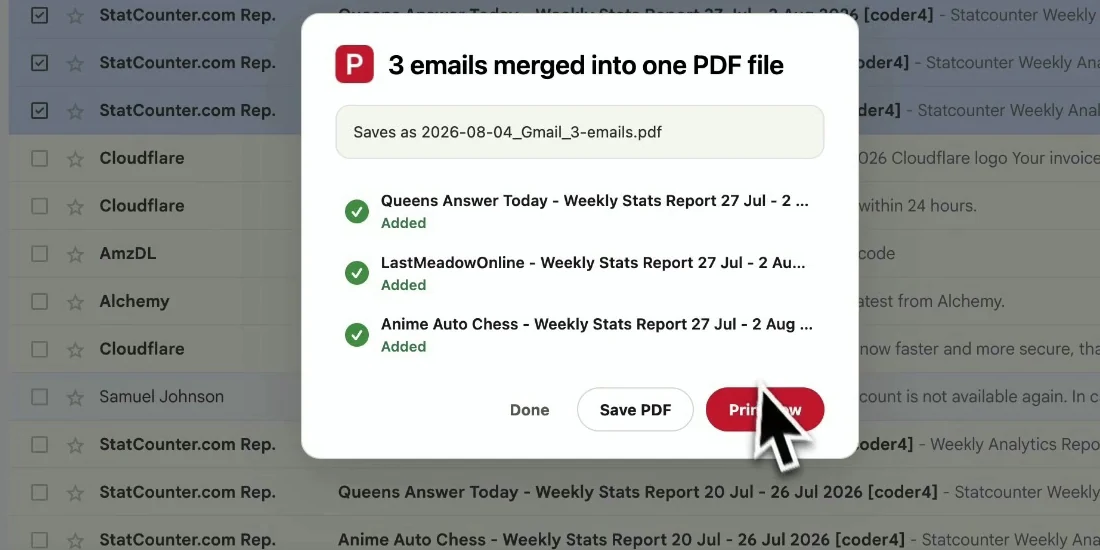
Lancez l'export : la conversation complète est assemblée en un seul PDF lisible, réponses dans l'ordre chronologique, et les fichiers se téléchargent en local.
Votre PDF garde tout le contexte de la conversation, pour qu'on puisse suivre l'échange sans ouvrir Gmail.
Transmettez à un collègue tout l'historique des décisions sans lui ouvrir l'accès à votre messagerie.
Gardez la demande, les réponses et la validation finale ensemble pour vous y référer plus tard.
Archivez la correspondance avec ses en-têtes et ses horodatages intacts.
Enregistrez une conversation importante avant de l'archiver ou de la supprimer dans Gmail.
Oui. L'essai gratuit comprend 20 conversions et toutes les fonctionnalités d'export. La version Pro débloque les conversions illimitées pour 4,99 $/mois ou 49,9 $/an.
Pour un seul message ou une sélection de messages distincts, passez par l'export par lot et sélectionnez uniquement ce dont vous avez besoin : Exporter vos mails Gmail en PDF par lot.
Oui. Les réponses sont assemblées dans l'ordre où elles ont été envoyées, pour que le PDF se lise comme la conversation d'origine.
Les pièces jointes sont téléchargées avec le PDF dans un fichier ZIP, et les images intégrées restent visibles dans le corps des messages.
Non. Le PDF est généré localement dans votre navigateur. Pour cet export, le contenu de votre Gmail ne quitte jamais votre appareil.
Non. Elle est conçue pour les comptes Gmail et Google Workspace, et fonctionne dans Chrome et Edge.
Enregistrer une conversation Gmail en PDF
Gratuit pour commencer. S’installe en quelques secondes, prêt dès la prochaine ouverture de Gmail.