Repasse para colegas
Passe a um colega todo o histórico de decisões sem compartilhar o acesso à sua caixa de e-mail.
Salve uma conversa de e-mail inteira em um único PDF — todas as respostas, em ordem. Perfeito para não perder o contexto na hora de arquivar ou compartilhar.
Nota 4.9/5 de mais de 10.000 usuários do Gmail · Chrome Web Store
A mesma extensão na Chrome Web Store e nos Complementos do Microsoft Edge. Ver planos e preços
Privacidade desde o início: os e-mails são processados localmente no navegador.
A exportação de conversa serve para preservar o vaivém: a pergunta, cada resposta e a decisão final em um único registro fácil de ler.
Mantenha todas as respostas juntas quando a passagem de um projeto depende da conversa completa.
Registre a solicitação, a discussão e a aprovação na ordem em que aconteceram.
Arquive uma conversa completa para fins jurídicos, de conformidade ou como backup pessoal, sem capturas de tela.
Abra uma conversa, exporte e mantenha todas as respostas juntas.
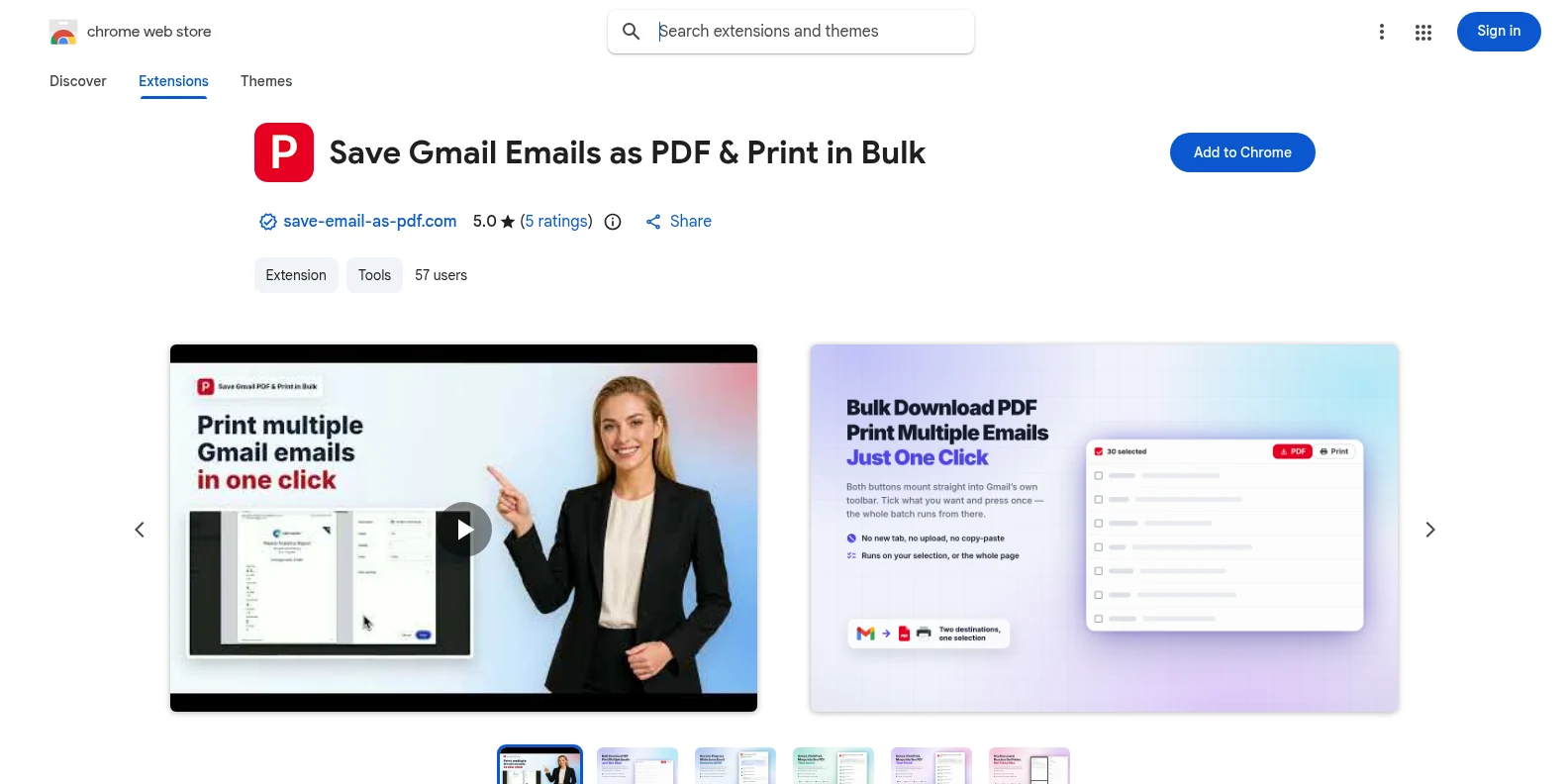
Instale grátis pela Chrome Web Store ou pelos Complementos do Microsoft Edge e abra o Gmail. Os botões PDF e Imprimir aparecem na própria barra de ferramentas do Gmail — sem app separado e sem precisar criar conta antes.
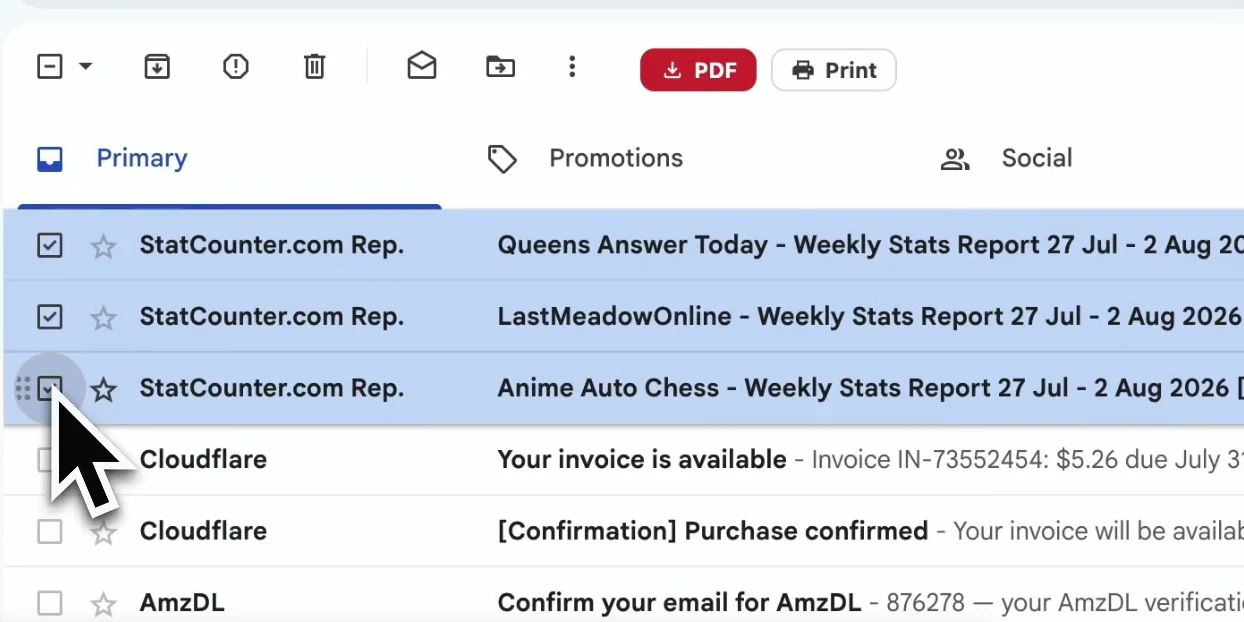
Abra a conversa que você quer preservar. A extensão captura a conversa completa, incluindo as respostas e os detalhes das mensagens que dão contexto.
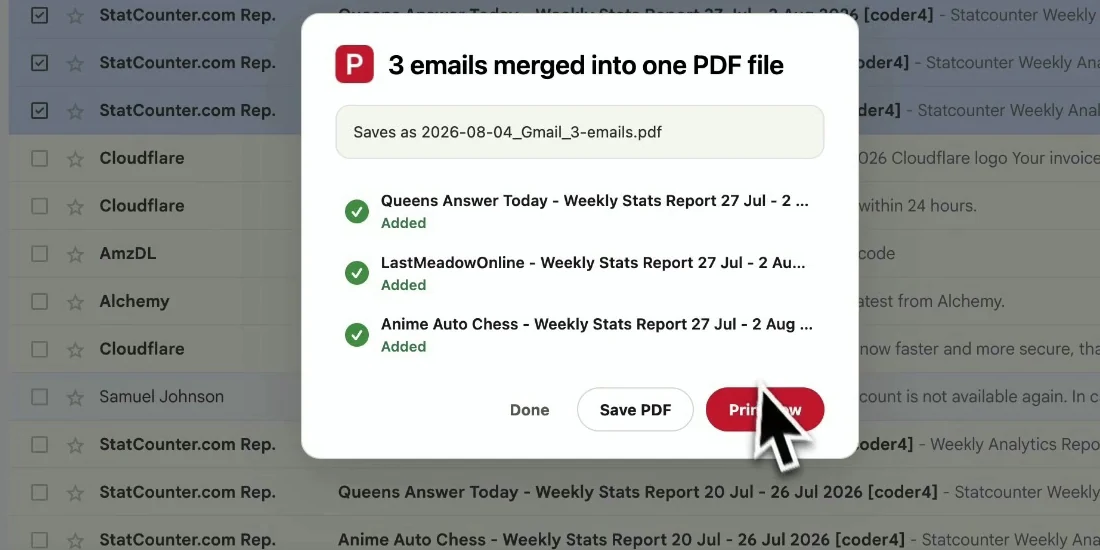
Inicie a exportação e a conversa completa é montada em um único PDF fácil de ler, com as respostas em ordem cronológica e os arquivos baixados localmente.
Seu PDF mantém o contexto da conversa reunido, para que qualquer pessoa acompanhe a troca de mensagens sem abrir o Gmail.
Passe a um colega todo o histórico de decisões sem compartilhar o acesso à sua caixa de e-mail.
Mantenha a solicitação, as respostas e a aprovação final juntas para consultar depois.
Arquive a correspondência com cabeçalhos e datas intactos.
Salve uma conversa importante antes de arquivá-la ou excluí-la no Gmail.
Sim. O teste grátis inclui 20 conversões e todos os recursos de exportação. O Pro libera conversões ilimitadas por $4.99/mês ou $49.9/ano.
Para uma única mensagem ou uma seleção de mensagens avulsas, use a exportação em massa e selecione só o que precisa: Exportar e-mails do Gmail para PDF em massa.
Sim. As respostas são montadas na ordem em que aconteceram, então o PDF se lê como a conversa original.
Os anexos são baixados junto com o PDF em um arquivo ZIP, e as imagens no corpo continuam visíveis no conteúdo da mensagem.
Não. O PDF é gerado localmente no seu navegador. O conteúdo do seu Gmail nunca sai do seu dispositivo nesta exportação.
Não. Ela foi feita para contas do Gmail e do Google Workspace, e funciona tanto no Chrome quanto no Edge.
Salvar conversa do Gmail em PDF
Comece grátis. Instala em segundos e funciona na próxima vez que você abrir o Gmail.