Gmail PDF 워크플로

Gmail 스레드를 PDF로 저장

전체 이메일 대화를 하나의 PDF로 저장하세요. 모든 답장을 순서대로 유지해 보관하거나 공유할 때 맥락을 잃지 않습니다.

  • 개인정보 보호 설계: 이메일은 브라우저에서 로컬 처리됩니다.
  • 평점 4.9/5 · 10,000+ users

Gmail에서 선택한 이메일이 깔끔하고 공유하기 쉬운 PDF가 되는 과정을 확인하세요.

맞는 워크플로 선택

Use thread export when the context lives in one conversation.

Thread export is for preserving the back-and-forth: the question, each reply, and the final decision in one readable record.

Client decisions

Keep every reply together when a project handoff depends on the full conversation.

Approvals and sign-offs

Capture the request, discussion, and approval in the order they happened.

A defensible record

Archive a complete conversation for legal, compliance, or personal backup without screenshots.

간단한 설정

Gmail 스레드를 PDF로 저장하는 방법

대화를 열고 내보내 모든 답장을 함께 보존하세요.

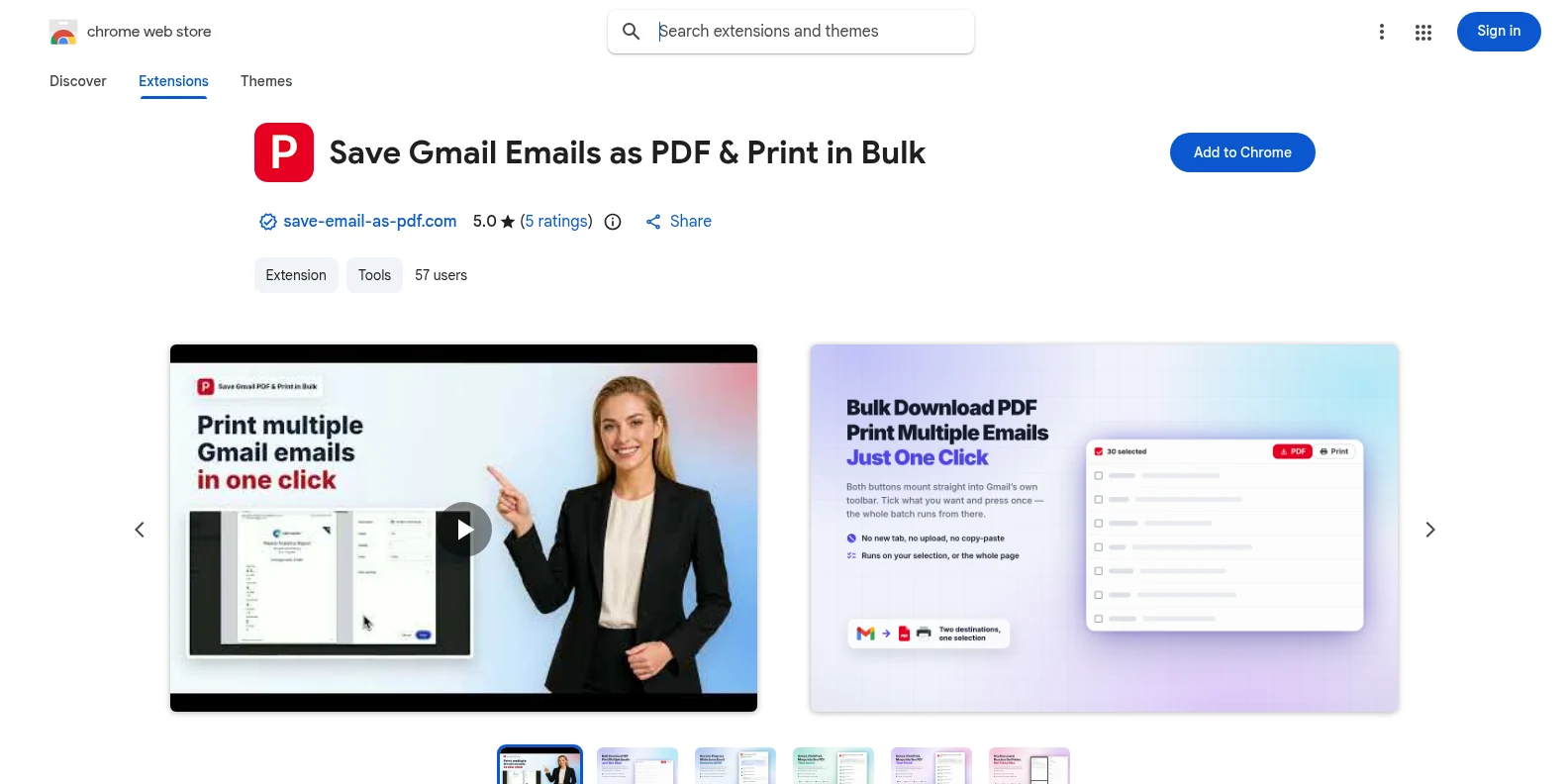
  1. 1Save Gmail Emails as PDF extension listing in the Chrome Web Store

    Install the extension from the Chrome Web Store

    Add the extension to Chrome and open Gmail. The workflow runs directly in the Gmail interface.

    Chrome 웹 스토어에서 설치
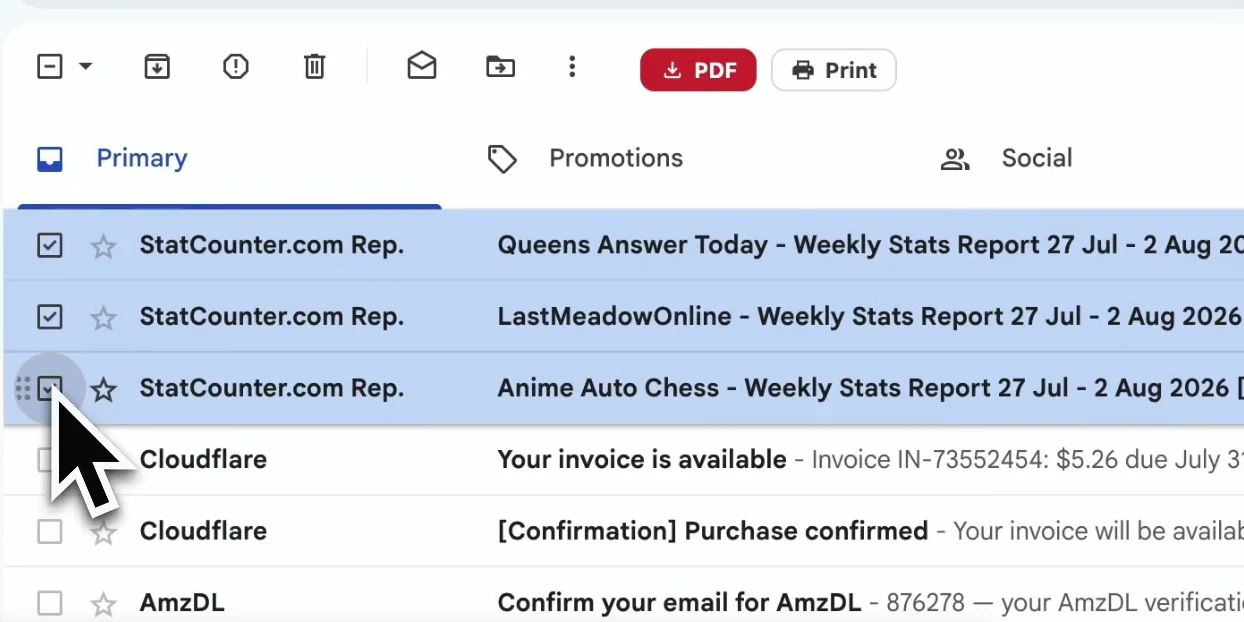
  2. 2A Gmail inbox with the email conversation selected

    Open any Gmail conversation

    Open the thread you want to preserve. The extension can capture the complete conversation, including the replies and message details that provide context.

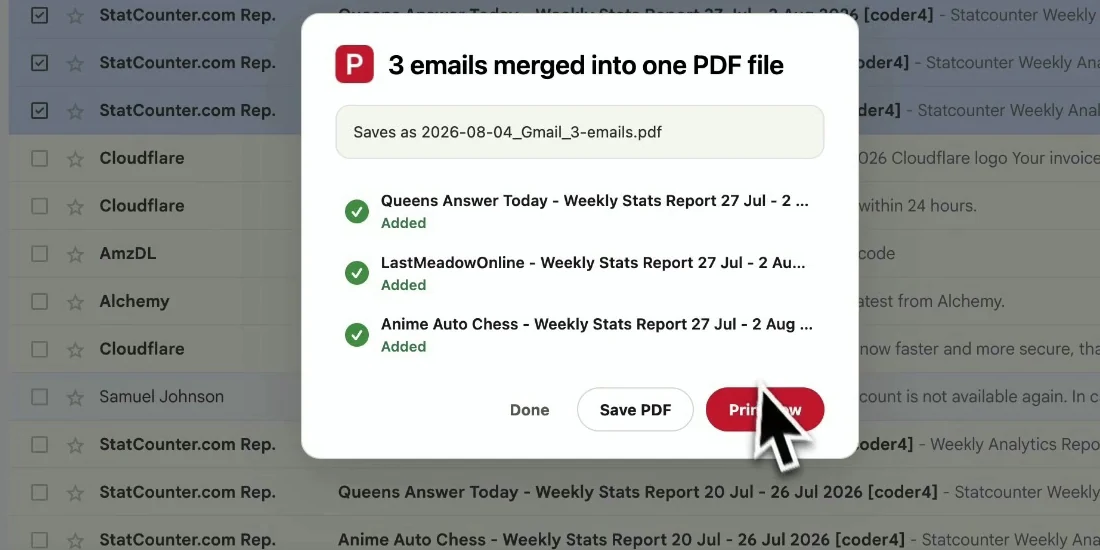
  3. 3A complete Gmail conversation ready to save as a PDF

    Choose “Save whole thread as PDF”

    Start the export and the full conversation is assembled into one readable PDF, with replies kept in chronological order and files downloaded locally.

완성된 파일

완전한 대화를 바로 공유

Gmail을 열지 않아도 읽을 수 있도록 스레드의 맥락을 PDF에 보존합니다.

  • Every reply stays in one PDF in chronological order.
  • Sender names, subjects, timestamps, formatting, and inline images remain readable.
  • Attachments download alongside the PDF so the record is complete.
Gmail 스레드를 PDF로 저장 result preview
보낸 사람, 제목, 타임스탬프와 본문이 그대로 보존된 PDF입니다.

실제 업무를 위해 설계

Gmail 이메일을 PDF로 내보내는 이유

Client handoffs

Give a teammate the full decision trail without sharing mailbox access.

Approvals

Keep the request, responses, and final approval together for future reference.

Legal records

Archive correspondence with its headers and timestamps intact.

Personal backup

Save an important conversation before archiving or deleting it in Gmail.

도움말

자주 묻는 질문

Is saving a Gmail thread as PDF free?

Yes. The free trial includes 20 conversions and all export features. Upgrade to Pro for unlimited conversions.

Can I save just one email from a thread?

For a single message or a selection of separate messages, use the bulk export workflow and select only what you need: Bulk Export Gmail Emails to PDF.

Does the thread stay in chronological order?

Yes. Replies are assembled in the order they occurred so the PDF reads like the original conversation.

Are attachments included?

Attachments are downloaded alongside the PDF in a ZIP file, while inline images remain visible in the message content.

Do you upload or store my conversation?

No. The PDF is generated locally in your browser. Your Gmail content never leaves your device for this export.

Does it work outside Gmail?

No. It is a Chrome extension built for Gmail and Google Workspace accounts.

다른 Gmail PDF 워크플로가 필요하신가요?

여러 메시지나 전체 라벨이 필요하신가요? 선택한 이메일을 하나의 PDF로 내보내세요.

Gmail 이메일 일괄 내보내기
Chrome에 추가 — 무료로 시작