Gmail PDF ワークフロー

GmailスレッドをPDFで保存

メールの会話全体を1つのPDFに保存。すべての返信を順番どおりに残せるため、保管や共有でも文脈を維持できます。

  • プライバシー設計:メールはブラウザ内でローカル処理されます。
  • 評価 4.9/5 · 10,000+ users

Gmailの選択メールが、共有しやすいきれいなPDFになる様子をご覧ください。

最適なワークフローを選択

Use thread export when the context lives in one conversation.

Thread export is for preserving the back-and-forth: the question, each reply, and the final decision in one readable record.

Client decisions

Keep every reply together when a project handoff depends on the full conversation.

Approvals and sign-offs

Capture the request, discussion, and approval in the order they happened.

A defensible record

Archive a complete conversation for legal, compliance, or personal backup without screenshots.

かんたん設定

GmailスレッドをPDFで保存する方法

会話を開いてエクスポートし、すべての返信をまとめて保存します。

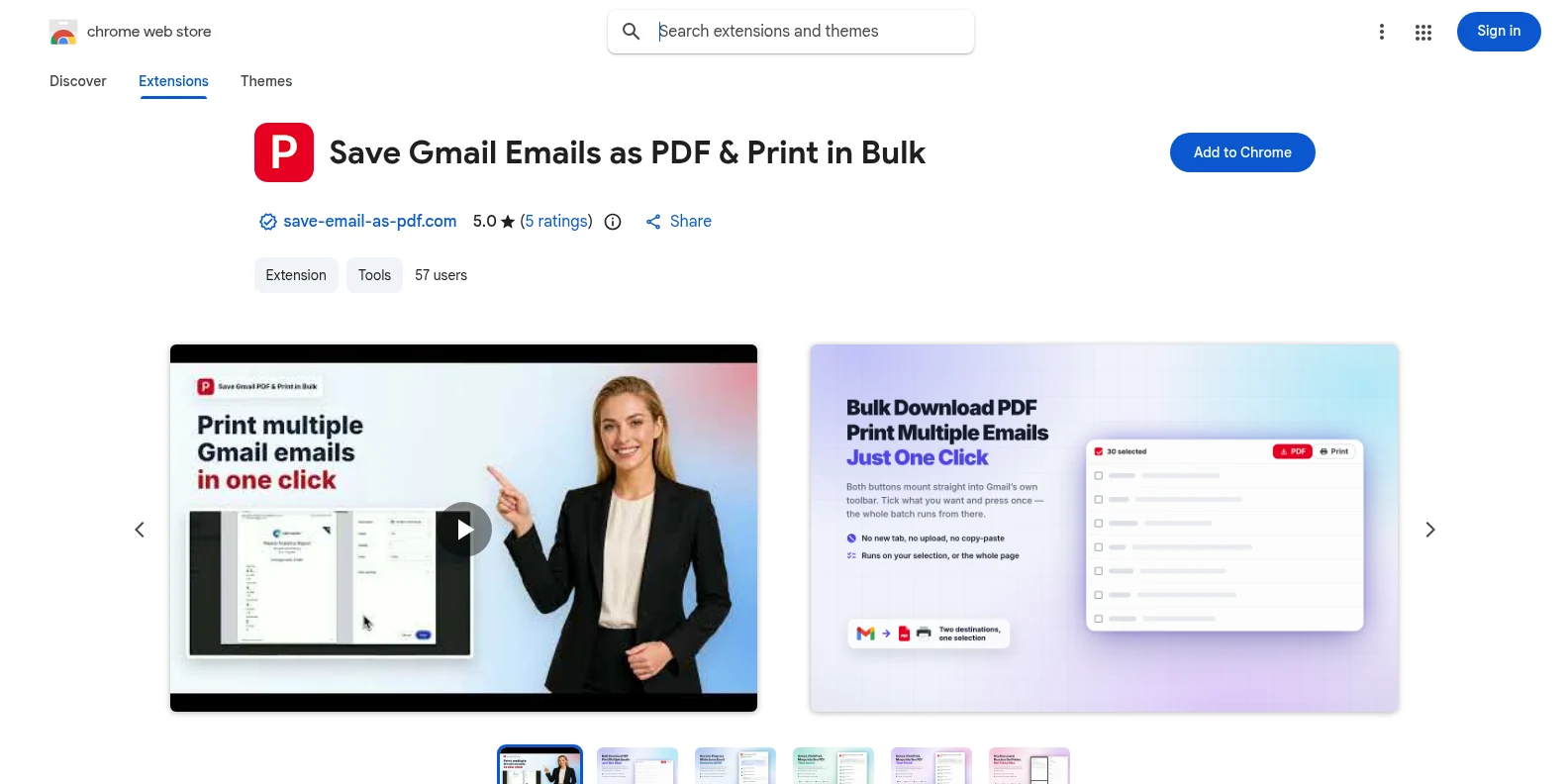
  1. 1Save Gmail Emails as PDF extension listing in the Chrome Web Store

    Install the extension from the Chrome Web Store

    Add the extension to Chrome and open Gmail. The workflow runs directly in the Gmail interface.

    Chrome ウェブストアからインストール
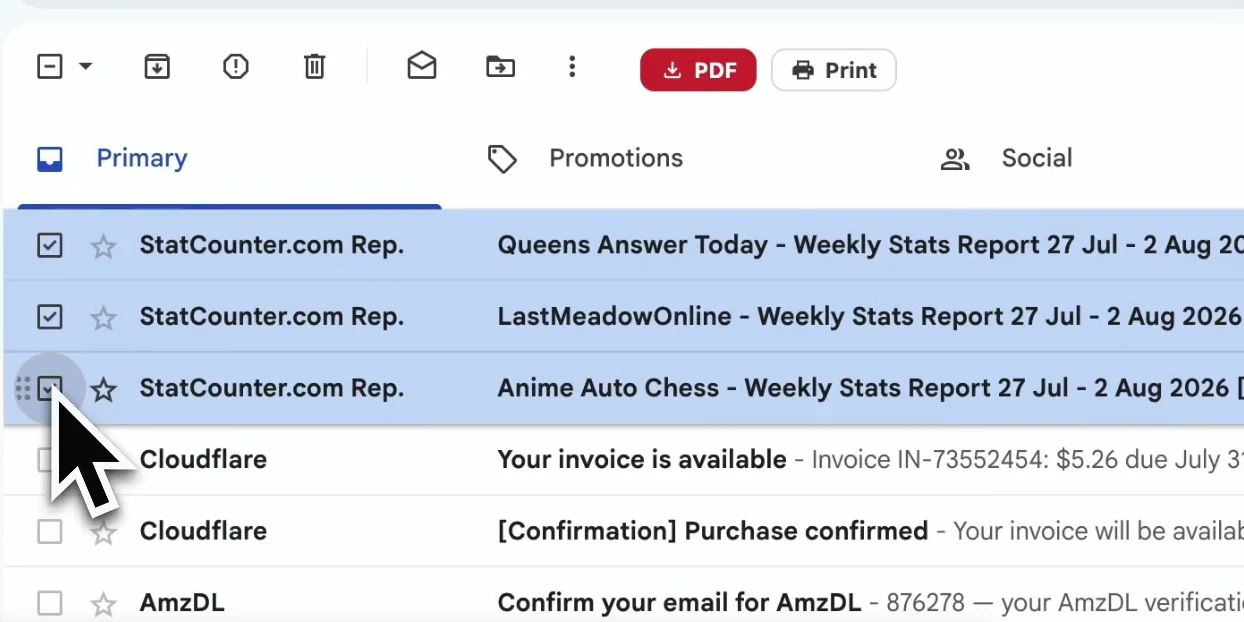
  2. 2A Gmail inbox with the email conversation selected

    Open any Gmail conversation

    Open the thread you want to preserve. The extension can capture the complete conversation, including the replies and message details that provide context.

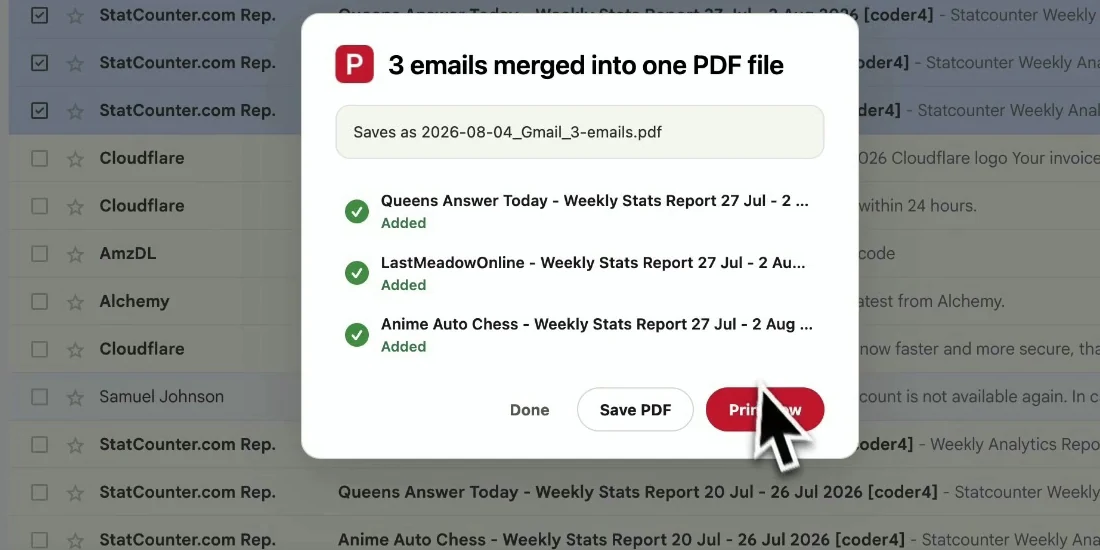
  3. 3A complete Gmail conversation ready to save as a PDF

    Choose “Save whole thread as PDF”

    Start the export and the full conversation is assembled into one readable PDF, with replies kept in chronological order and files downloaded locally.

完成したファイル

会話全体をそのまま共有

Gmailを開かなくても読めるよう、スレッドの文脈をPDFに保ちます。

  • Every reply stays in one PDF in chronological order.
  • Sender names, subjects, timestamps, formatting, and inline images remain readable.
  • Attachments download alongside the PDF so the record is complete.
GmailスレッドをPDFで保存 result preview
送信者、件名、日時、本文を保った読みやすいPDFです。

実務のために設計

GmailメールをPDFにエクスポートする理由

Client handoffs

Give a teammate the full decision trail without sharing mailbox access.

Approvals

Keep the request, responses, and final approval together for future reference.

Legal records

Archive correspondence with its headers and timestamps intact.

Personal backup

Save an important conversation before archiving or deleting it in Gmail.

よくある質問

よくある質問

Is saving a Gmail thread as PDF free?

Yes. The free trial includes 20 conversions and all export features. Upgrade to Pro for unlimited conversions.

Can I save just one email from a thread?

For a single message or a selection of separate messages, use the bulk export workflow and select only what you need: Bulk Export Gmail Emails to PDF.

Does the thread stay in chronological order?

Yes. Replies are assembled in the order they occurred so the PDF reads like the original conversation.

Are attachments included?

Attachments are downloaded alongside the PDF in a ZIP file, while inline images remain visible in the message content.

Do you upload or store my conversation?

No. The PDF is generated locally in your browser. Your Gmail content never leaves your device for this export.

Does it work outside Gmail?

No. It is a Chrome extension built for Gmail and Google Workspace accounts.

別のGmail PDFワークフローが必要ですか?

複数メールやラベル全体が必要なら、選択したメールを1つのPDFにまとめられます。

Gmailメールを一括エクスポート
Chromeに追加 — 無料で開始