アーカイブ
受信トレイを整理する前に、ラベルの中身を検索可能な完全な記録として残せます。
数十通の Gmail メールを、ワンクリックで 1 つの PDF に。1 通ずつ印刷したり、コピー&ペーストしたり、20 分かけて遠回りしたりする必要はもうありません。
10,000人以上のGmailユーザーが評価 4.9/5 · Chrome ウェブストア
同じ拡張機能を Chrome ウェブストアと Microsoft Edge アドオンで公開しています。 料金プランを見る
プライバシー設計:メールはブラウザ内でローカル処理されます。
一括エクスポートは、別々の Gmail メールをたくさん集めて 1 つの成果物にまとめるための機能です。必要なメールがすでに決まっているなら、いちばん早い方法です。
領収書、請求書、サポートチケット、プロジェクトのメールなど、1 つのラベルにまとめてあるものをそのままエクスポートできます。
送信者、日付、件名、Gmail の検索演算子で検索し、該当するメールを 1 つの PDF に。監査や引き継ぎ資料に使えます。
1 つのスレッドではなく、まとまった記録が必要なときは、リストから個別にメールを選べます。
コピー&ペーストも手作業の印刷も不要。わかりやすい 3 ステップです。
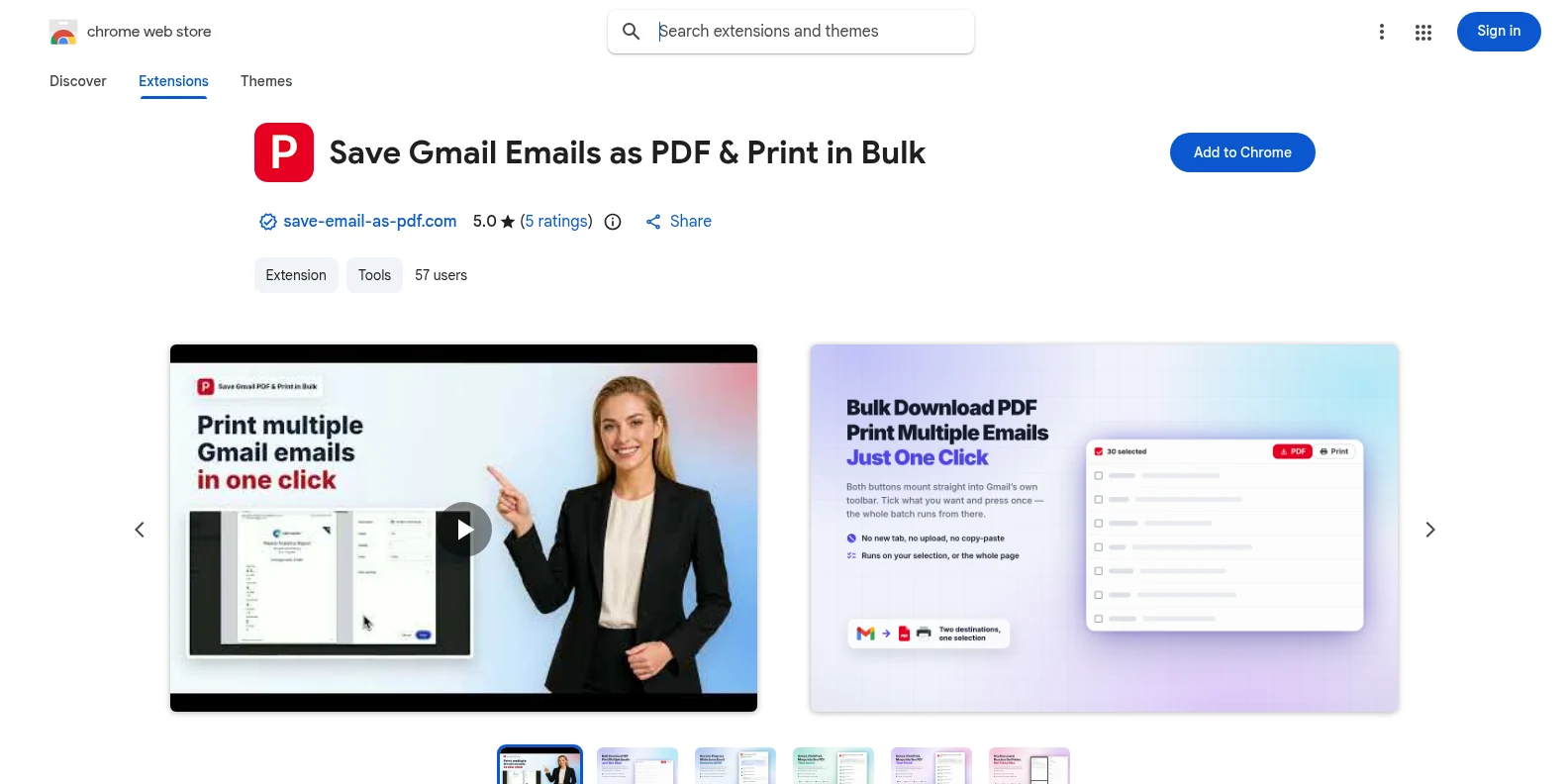
Chrome ウェブストアまたは Microsoft Edge アドオンから無料でインストールして、Gmail を開きます。[PDF]と[印刷]のボタンが Gmail のツールバーに表示されます。別のアプリも、事前のアカウント作成も必要ありません。
![複数の Gmail メールが選択され、[PDF]と[印刷]が表示されている画面](/imgs/hiw-2026-08-select-gmail-emails.webp)
メールを個別にチェックするか、Gmail のラベル・送信者・検索結果で絞り込んで、必要なリストを選択します。
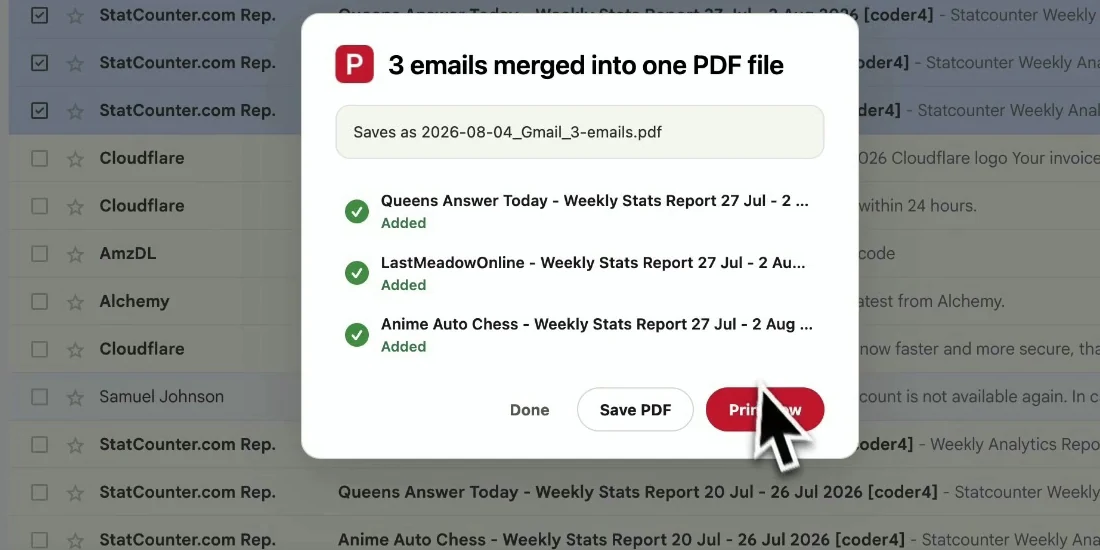
ファイル名とページ設定を選んで、選択したメールをエクスポートします。メールは元の順序のまま、お使いの端末に直接ダウンロードされます。
完成したファイルは、そのまま保管・共有・印刷に使えます。メールを役立つものにしている前後の文脈も失われません。
受信トレイを整理する前に、ラベルの中身を検索可能な完全な記録として残せます。
Gmail にアクセスできないクライアント、同僚、監査担当者にも、読みやすい PDF で渡せます。
注文、契約、承認、領収書を、タイムスタンプとヘッダー付きで保存できます。
受信トレイをすっきりさせる前に、大切なやり取りをまとめてバックアップできます。
はい。まずは 20 件の無料変換で、すべてのエクスポート機能をお試しいただけます。Pro なら $4.99 / 月 または $49.9 / 年で変換が無制限になります。
はい。Gmail のラベル、送信者で絞り込んだ一覧、または検索結果を開き、表示されたメールを選択すれば、その選択を 1 つの PDF としてエクスポートできます。
個別の PDF として書き出す場合、Gmail の 1 ページで選択できる範囲であれば決まった上限はありません。1 つのドキュメントに結合する場合は、1 回につき最大 50 スレッドまでです。PDF はブラウザー内で生成されるため、選択した数が非常に多いと時間がかかります。
PDF には、Gmail で表示されるレイアウト、ヘッダー、タイムスタンプ、インライン画像がそのまま残ります。添付ファイルは PDF と一緒に ZIP ファイルでダウンロードされます。
いいえ。拡張機能はブラウザー内でローカルに PDF を生成します。メールの内容や添付ファイルが当社のサーバーにアップロードされることはありません。
いいえ。個人の Gmail と Google Workspace アカウントを含む、Gmail 専用の拡張機能です。Chrome と Edge のどちらでも使えます。
Gmail メールを一括で PDF化
無料で始められます。数秒でインストールでき、次にGmailを開いたときから使えます。