Traspasos de clientes
Dale a un compañero todo el historial de decisiones sin compartir el acceso a tu buzón.
Guarda una conversación de correo entera en un solo PDF, con todas las respuestas en orden. Ideal para no perder el contexto al archivar o compartir.
Valorada con 4.9/5 por más de 10.000 usuarios de Gmail · Chrome Web Store
La misma extensión en Chrome Web Store y en Complementos de Microsoft Edge. Ver planes y precios
Privacidad por diseño: los correos se procesan localmente en tu navegador.
La exportación de hilos sirve para conservar el ida y vuelta: la pregunta, cada respuesta y la decisión final en un único registro fácil de leer.
Mantén todas las respuestas juntas cuando el traspaso de un proyecto depende de la conversación completa.
Recoge la solicitud, la discusión y la aprobación en el orden en que ocurrieron.
Archiva una conversación completa con fines legales, de cumplimiento normativo o como copia personal, sin capturas de pantalla.
Abre una conversación, expórtala y conserva todas las respuestas juntas.
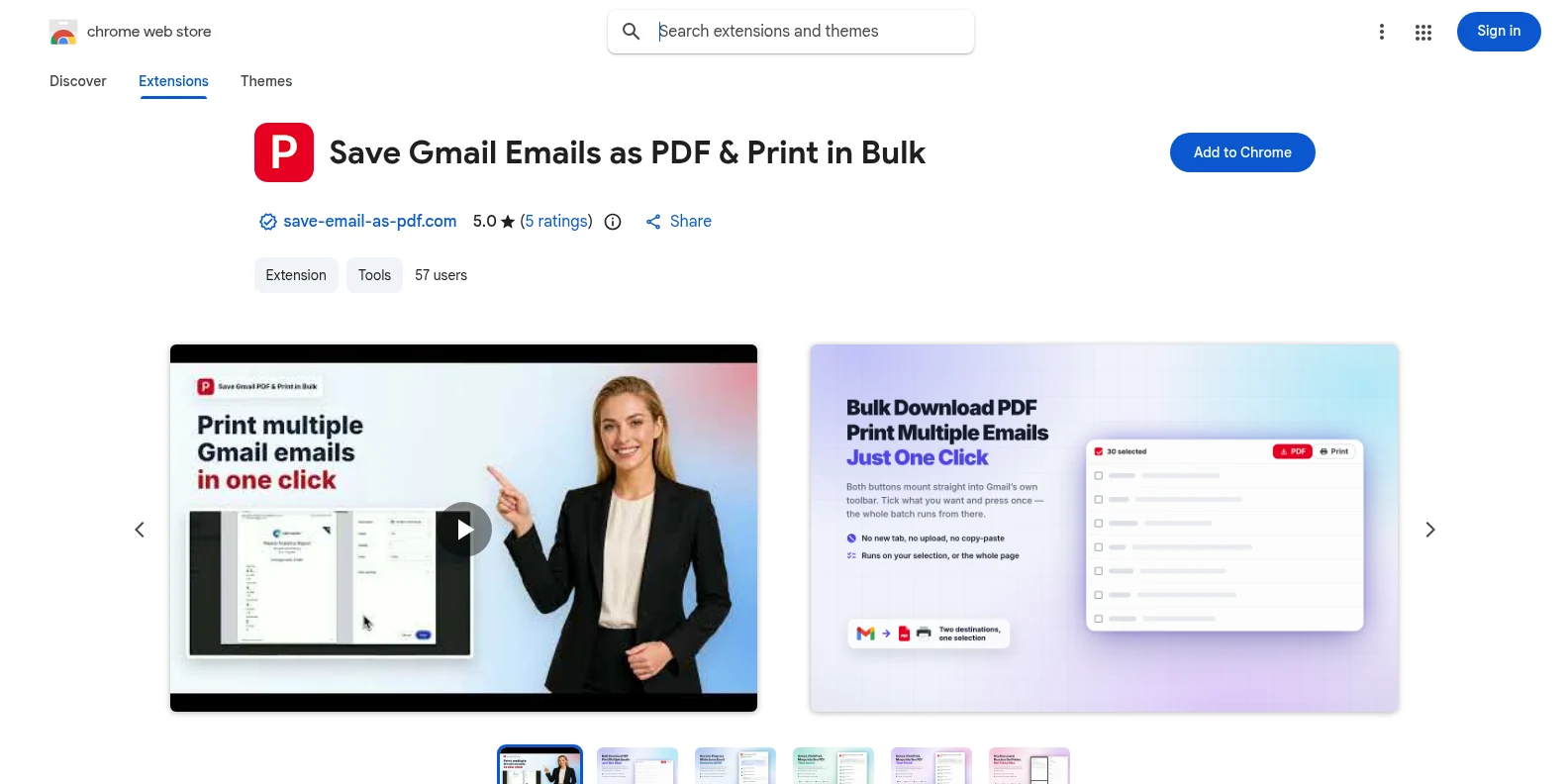
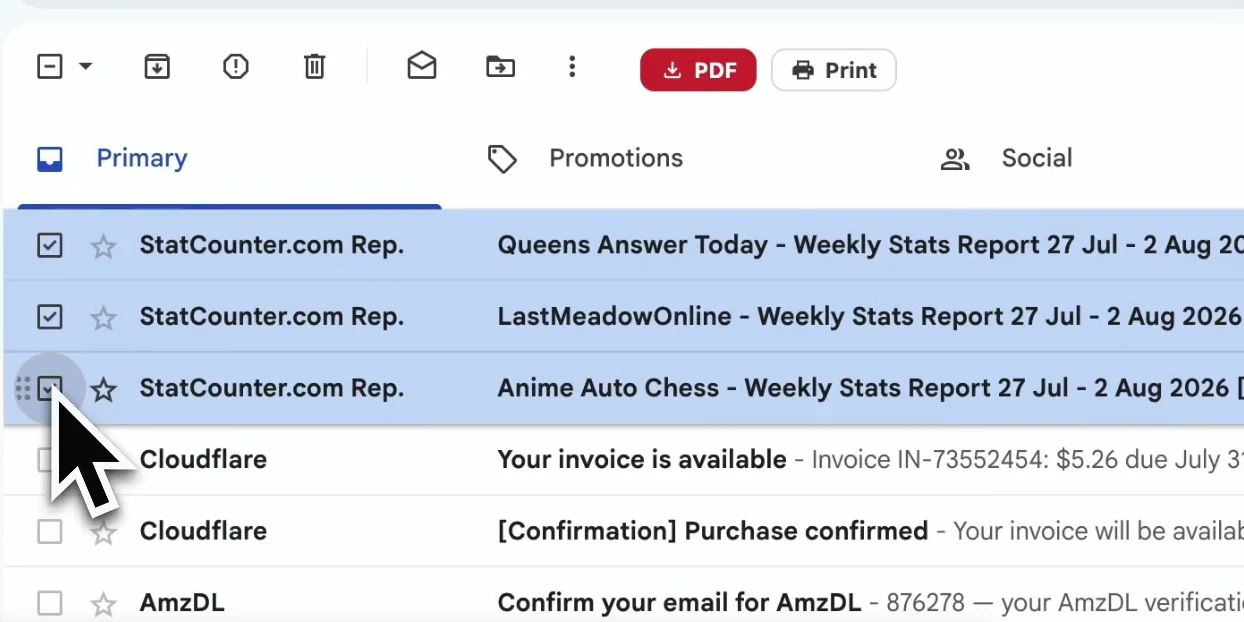
Instálala gratis desde la Chrome Web Store o desde Complementos de Microsoft Edge y abre Gmail. Los botones PDF e Imprimir aparecen en la propia barra de herramientas de Gmail: sin aplicaciones aparte y sin tener que crear una cuenta primero.
Abre el hilo que quieres conservar. La extensión captura la conversación completa, incluidas las respuestas y los detalles de cada mensaje que aportan contexto.
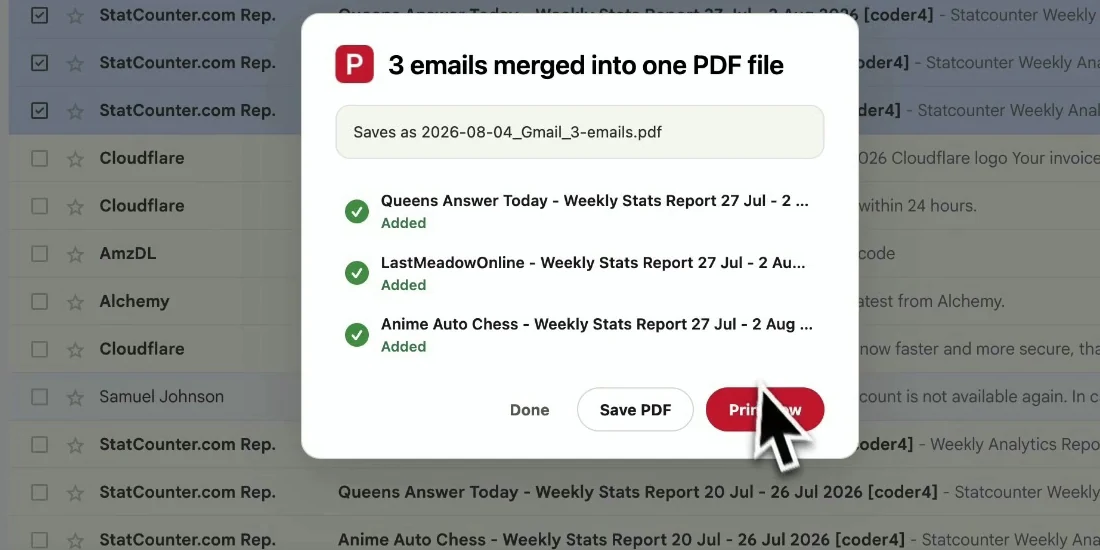
Inicia la exportación y toda la conversación se reúne en un único PDF fácil de leer, con las respuestas en orden cronológico y los archivos descargados en local.
Tu PDF mantiene unido el contexto del hilo para que cualquiera pueda seguir la conversación sin abrir Gmail.
Dale a un compañero todo el historial de decisiones sin compartir el acceso a tu buzón.
Conserva juntas la solicitud, las respuestas y la aprobación final para consultarlas más adelante.
Archiva la correspondencia con sus encabezados y marcas de tiempo intactos.
Guarda una conversación importante antes de archivarla o eliminarla en Gmail.
Sí. La prueba gratuita incluye 20 conversiones y todas las funciones de exportación. Pro desbloquea conversiones ilimitadas por $4.99/mes o $49.9/año.
Para un único mensaje o una selección de mensajes sueltos, usa la exportación por lotes y selecciona solo lo que necesites: Exportar correos de Gmail a PDF por lotes.
Sí. Las respuestas se reúnen en el orden en que se enviaron, así que el PDF se lee como la conversación original.
Los adjuntos se descargan junto al PDF en un archivo ZIP, y las imágenes en línea siguen visibles en el contenido del mensaje.
No. El PDF se genera en local, en tu navegador. El contenido de tu Gmail nunca sale de tu dispositivo para esta exportación.
No. Está diseñada para cuentas de Gmail y Google Workspace, y funciona en Chrome y Edge.
Guardar un hilo de Gmail en PDF
Empieza gratis. Se instala en segundos y funciona la próxima vez que abras Gmail.