Archivo
Conserva un registro completo y fácil de consultar de una etiqueta antes de limpiar la bandeja de entrada.
Convierte decenas de correos de Gmail en un único PDF con un solo clic. Sin imprimir a mano, sin copiar y pegar, sin perder veinte minutos en apaños.
Valorada con 4.9/5 por más de 10.000 usuarios de Gmail · Chrome Web Store
La misma extensión en Chrome Web Store y en Complementos de Microsoft Edge. Ver planes y precios
Privacidad por diseño: los correos se procesan localmente en tu navegador.
La exportación por lotes sirve para reunir muchos mensajes sueltos de Gmail en un solo documento. Es la opción más rápida cuando ya sabes qué correos necesitas.
Exporta recibos, facturas, tickets de soporte o correos de un proyecto que ya tienes agrupados bajo una etiqueta.
Busca por remitente, fecha, asunto u operador de Gmail y convierte los mensajes que coincidan en un solo PDF para una auditoría o para pasárselos a otra persona.
Selecciona correos concretos de una lista cuando necesitas un registro de todo el lote y no de una sola conversación.
Tres pasos claros, sin copiar y pegar ni imprimir a mano.
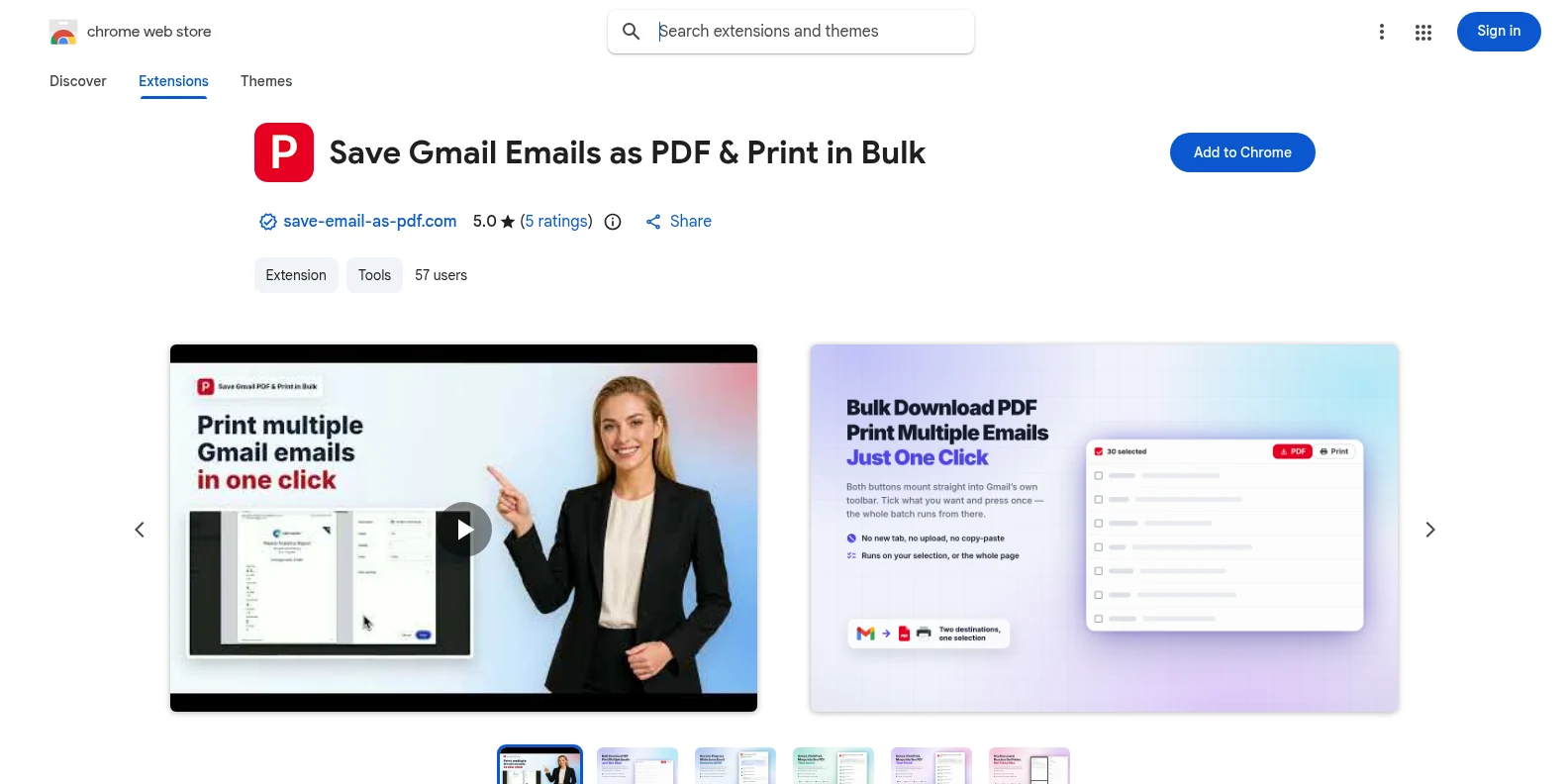
Instálala gratis desde la Chrome Web Store o desde Complementos de Microsoft Edge y abre Gmail. Los botones PDF e Imprimir aparecen en la propia barra de herramientas de Gmail: sin aplicaciones aparte y sin tener que crear una cuenta primero.
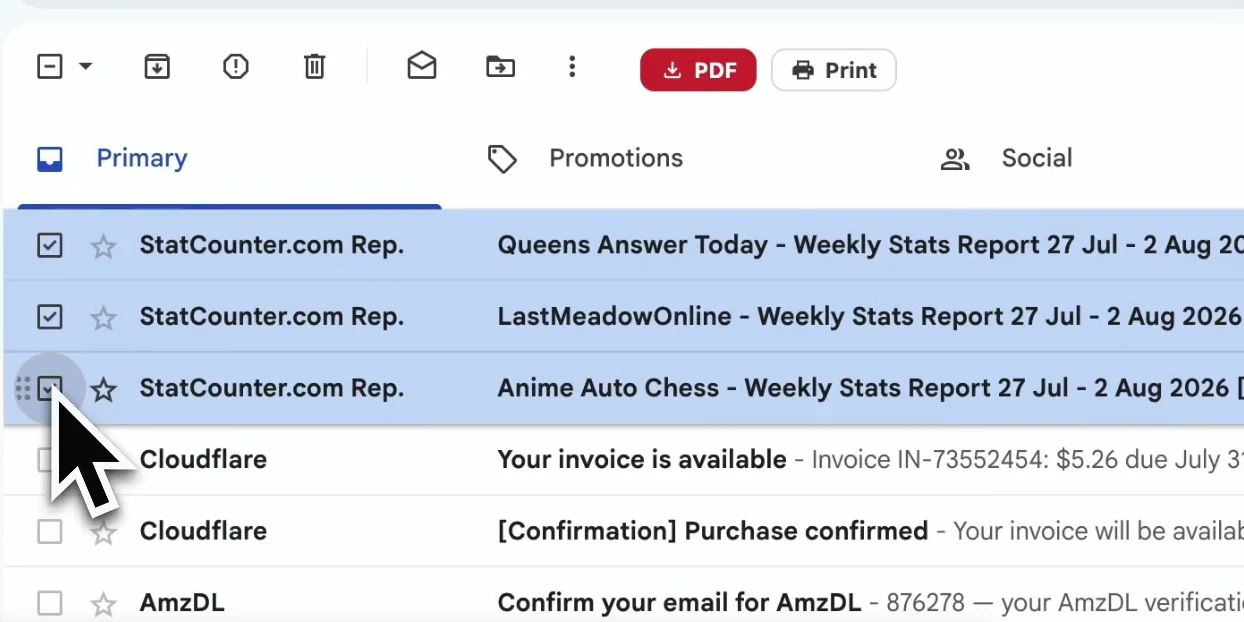
Marca mensajes sueltos, o filtra por etiqueta de Gmail, remitente o resultado de búsqueda y selecciona la lista que necesitas.
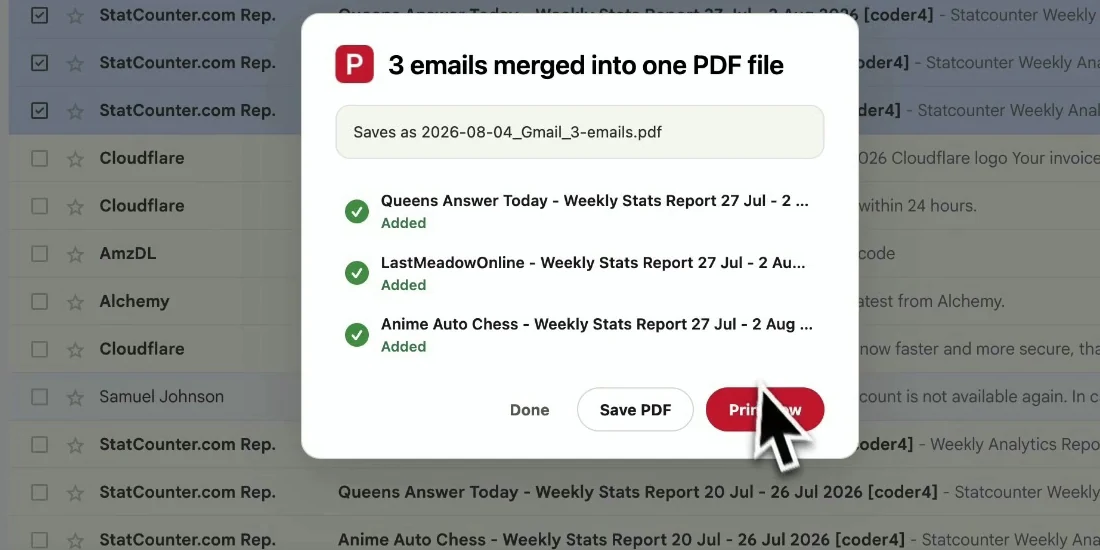
Elige el nombre de archivo y la configuración de página, y exporta la selección. Los correos mantienen su orden original y se descargan directamente en tu dispositivo.
El documento final está listo para archivar, compartir o imprimir, sin perder el contexto que hace útil un correo.
Conserva un registro completo y fácil de consultar de una etiqueta antes de limpiar la bandeja de entrada.
Envía un PDF legible a un cliente, un compañero o un auditor que no necesita acceso a Gmail.
Conserva pedidos, contratos, aprobaciones y recibos con sus fechas y encabezados.
Haz una copia de seguridad de tus correos importantes de una sola vez antes de despejar la bandeja de entrada.
Sí. Puedes empezar con 20 conversiones gratis y probar todas las funciones de exportación. Pro desbloquea conversiones ilimitadas por $4.99/mes o $49.9/año.
Sí. Abre una etiqueta de Gmail, la vista de un remitente o un resultado de búsqueda, selecciona los mensajes que aparecen y exporta esa selección como un solo PDF.
Para PDF separados no hay más límite que lo que puedas seleccionar en una página de Gmail. Para combinarlos en un solo documento, se admiten hasta 50 conversaciones por tarea. Las selecciones muy grandes tardan más porque el PDF se genera en tu navegador.
El PDF conserva el diseño visible de Gmail, los encabezados, las marcas de tiempo y las imágenes en línea. Los adjuntos se descargan junto a los PDF en un archivo ZIP.
No. La extensión genera los PDF en local, en tu navegador. El contenido de tus correos y los adjuntos no se suben a nuestros servidores.
No. Está diseñada para Gmail, tanto para cuentas personales como de Google Workspace. Funciona en Chrome y Edge.
Exportar correos de Gmail a PDF por lotes
Empieza gratis. Se instala en segundos y funciona la próxima vez que abras Gmail.