تسليم أعمال العملاء
امنح زميلك مسار القرار كاملًا دون مشاركة الوصول إلى صندوق بريدك.
احفظ محادثة بريد إلكتروني كاملة في ملف PDF واحد — كل ردّ في موضعه بالترتيب. مثالي للحفاظ على السياق عند الأرشفة أو المشاركة.
تقييم 4.9/5 من أكثر من 10,000 مستخدم لـ Gmail · سوق Chrome الإلكتروني
الإضافة نفسها في Chrome Web Store وفي الوظائف الإضافية لـ Microsoft Edge. عرض الخطط والأسعار
الخصوصية أولًا: تتم معالجة الرسائل محليًا في متصفحك.
تصدير المحادثة مخصّص للحفاظ على الأخذ والردّ: السؤال، وكل ردّ، والقرار النهائي في سجلّ واحد سهل القراءة.
اجمع كل الردود معًا حين يعتمد تسليم المشروع على المحادثة كاملة.
وثّق الطلب والنقاش والموافقة بالترتيب الذي جرت به.
أرشِف محادثة كاملة لأغراض قانونية أو للامتثال أو كنسخة احتياطية شخصية، دون لقطات شاشة.
افتح المحادثة وصدّرها، واحتفظ بكل الردود معًا.
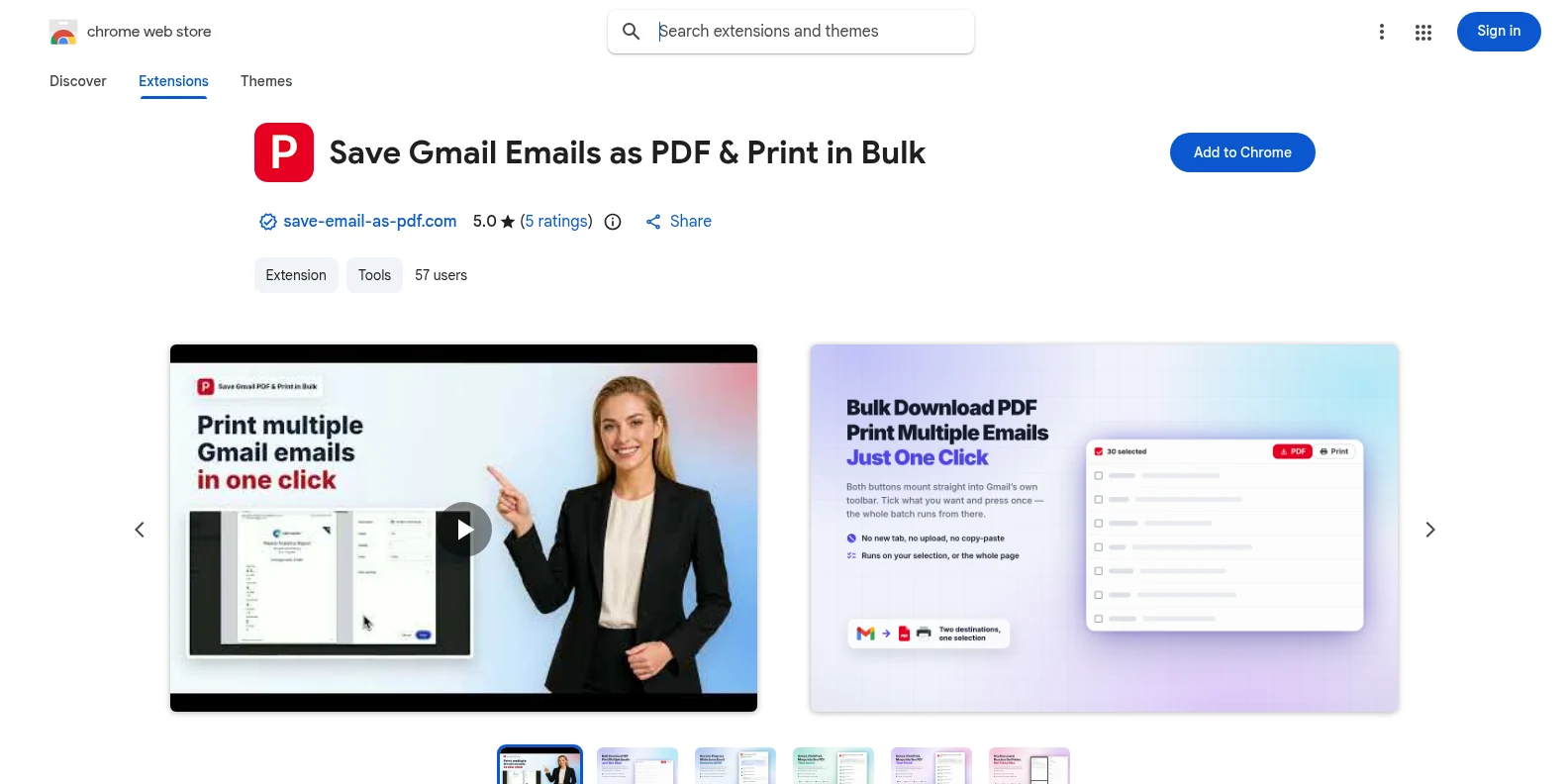
ثبّتها مجانًا من Chrome Web Store أو من الوظائف الإضافية لـ Microsoft Edge، ثم افتح Gmail. يظهر زرّا PDF والطباعة في شريط أدوات Gmail نفسه — دون تطبيق منفصل، ودون حساب تنشئه أولًا.
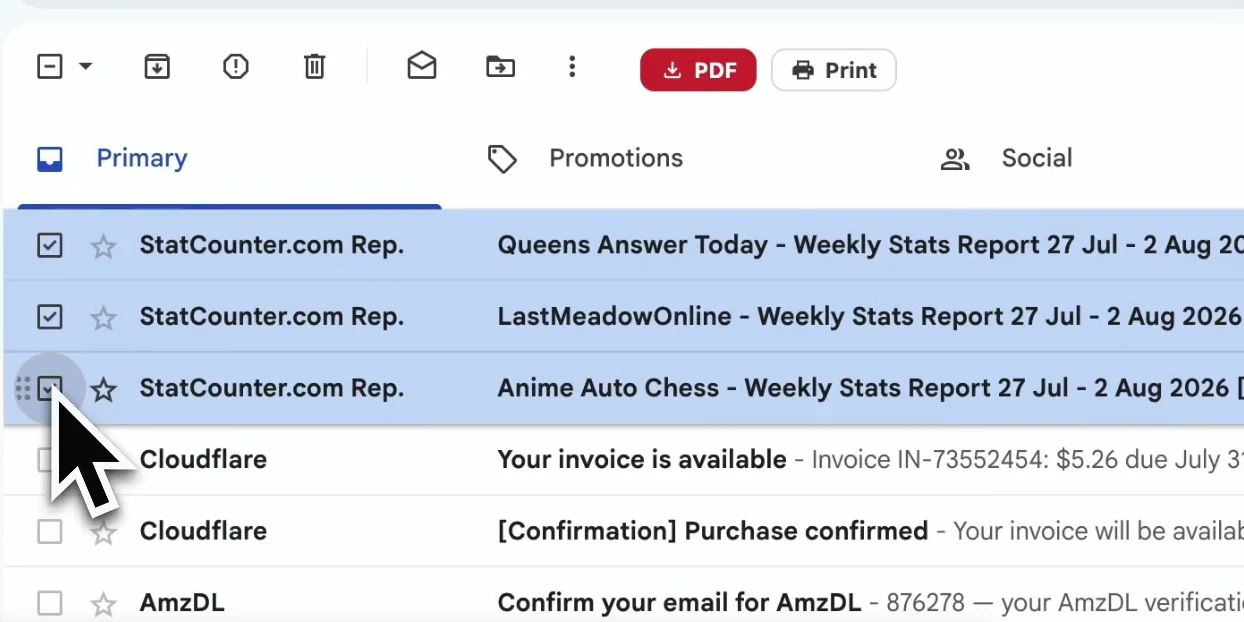
افتح المحادثة التي تريد الاحتفاظ بها. تلتقط الإضافة المحادثة كاملة، بما فيها الردود وتفاصيل الرسائل التي توضّح السياق.
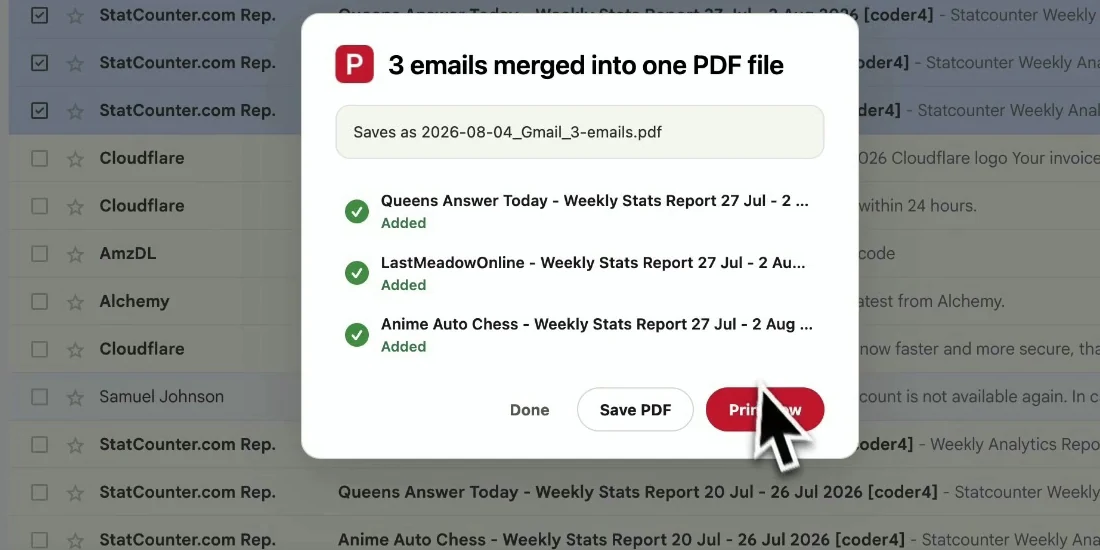
ابدأ التصدير فتُجمَع المحادثة كاملة في ملف PDF واحد سهل القراءة، مع بقاء الردود بترتيبها الزمني وتنزيل الملفات محليًا.
يحفظ ملف PDF سياق المحادثة متكاملًا، فيتابعها القارئ دون أن يفتح Gmail.
امنح زميلك مسار القرار كاملًا دون مشاركة الوصول إلى صندوق بريدك.
اجمع الطلب والردود والموافقة النهائية معًا للرجوع إليها لاحقًا.
أرشِف المراسلات مع ترويساتها وطوابعها الزمنية كما هي.
احفظ محادثة مهمة قبل أرشفتها أو حذفها في Gmail.
نعم. تشمل التجربة المجانية 20 تحويلًا وجميع مميزات التصدير. وتتيح باقة Pro تحويلات غير محدودة بسعر $4.99/شهر أو $49.9/سنة.
لحفظ رسالة واحدة أو مجموعة من الرسائل المنفصلة، استخدم طريقة التصدير الدفعي وحدّد ما تحتاجه فقط: تصدير رسائل Gmail إلى PDF دفعة واحدة.
نعم. تُجمَع الردود بالترتيب الذي وردت به، فيُقرأ ملف PDF كالمحادثة الأصلية.
تُنزَّل المرفقات إلى جانب ملف PDF في ملف ZIP، بينما تظل الصور المضمّنة ظاهرة في محتوى الرسالة.
لا. يُنشأ ملف PDF محليًا في متصفّحك، ولا يغادر محتوى Gmail جهازك أبدًا في عملية التصدير هذه.
لا. صُمّمت لحسابات Gmail وGoogle Workspace، وتعمل في Chrome وEdge كليهما.
حفظ محادثة Gmail بصيغة PDF
ابدأ مجانًا. تُثبَّت خلال ثوانٍ وتعمل في المرة التالية التي تفتح فيها Gmail.